
Terminal de Control de Acceso DW200
DW200 access control terminal manual: integrated card/password/face reading and door control with large user/record capacity — overview, specs, install, modes and platform integration.
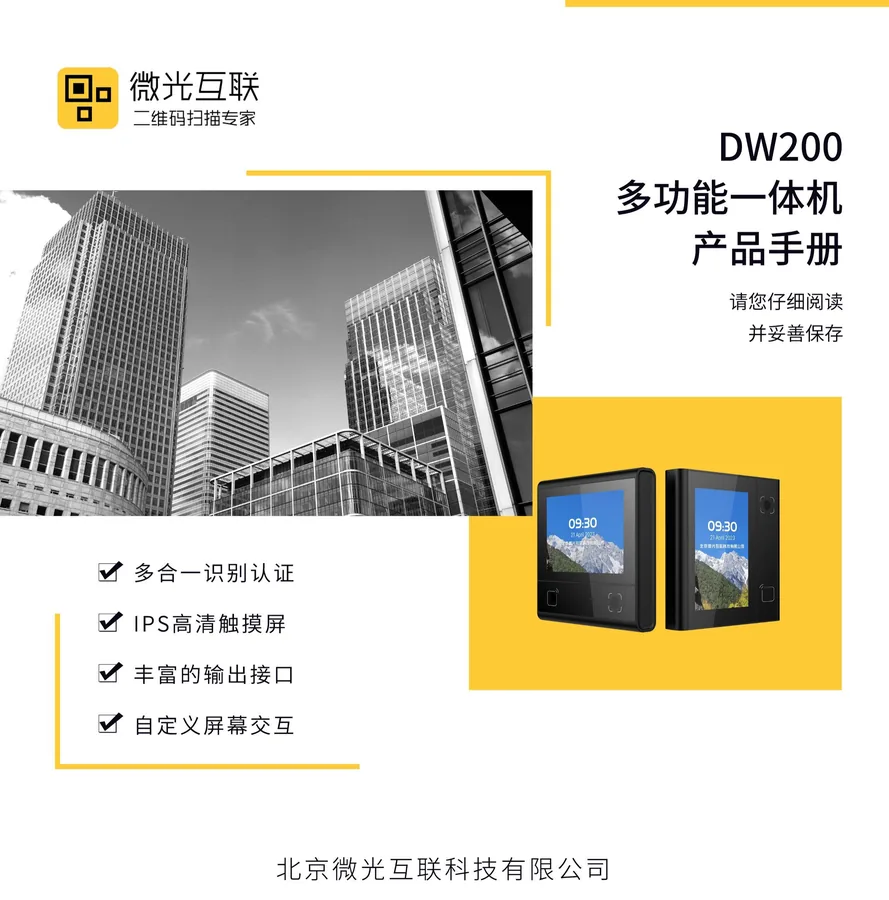
DW200 access control terminal integrates card/password/face (optional) reading and door control with large user/record capacity, for single/double door management. This manual covers overview, install and platform integration.
Product Overview
DW200 supports QR, RF card (incl. ID), password and optional face, on Linux, with a 3.33-inch IPS capacitive touch screen. For community, enterprise and campus access.
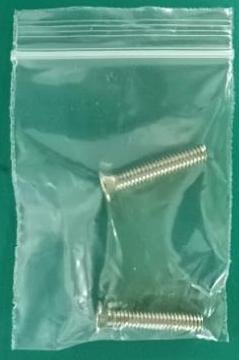
Features: ISO 14443A/B, CPU and ID card (optional); BLE 5.1; tempered-glass window; 86-box or non-86-box mounting. Package includes host, accessory kit (plastic pry bar) and manual.
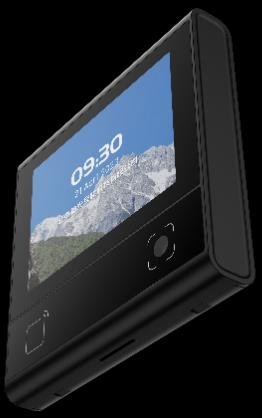
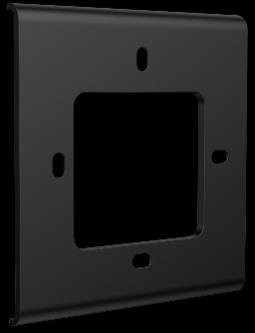
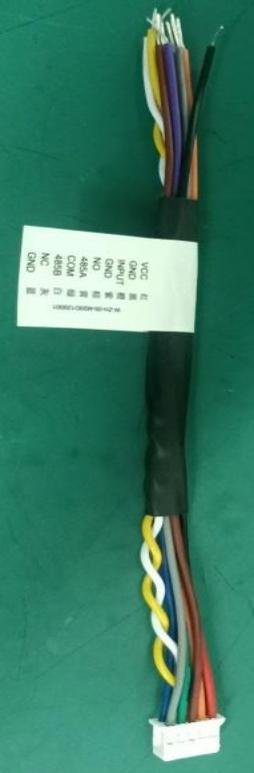

Structure & Functions
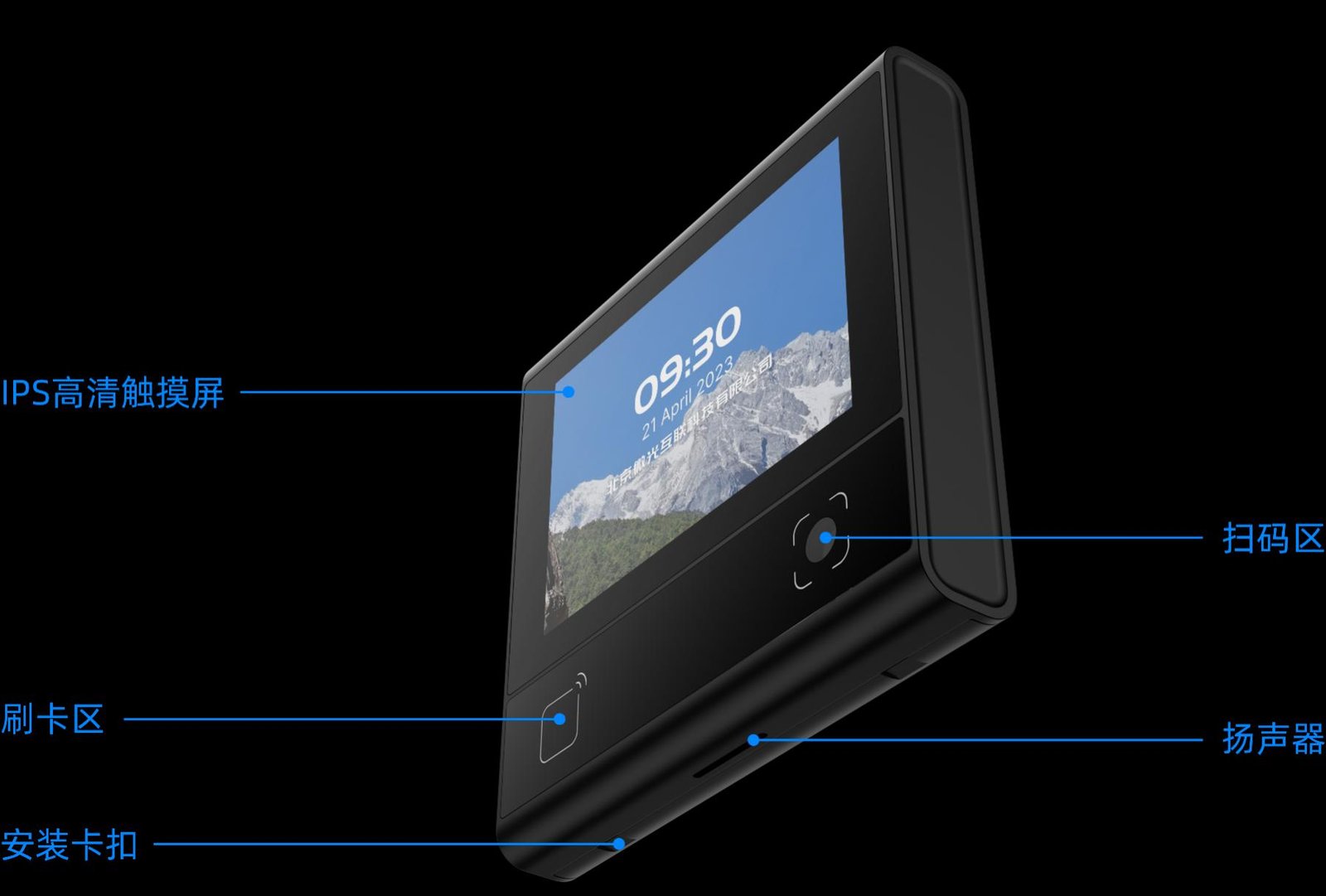
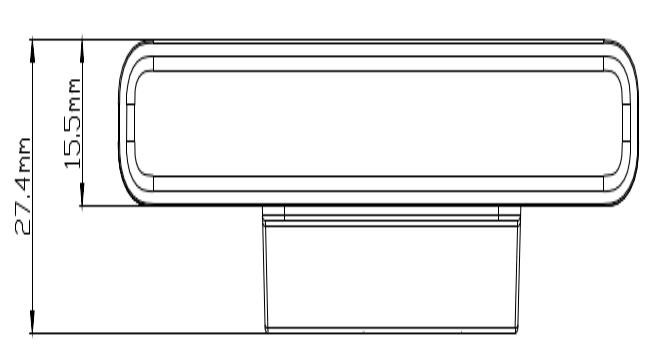
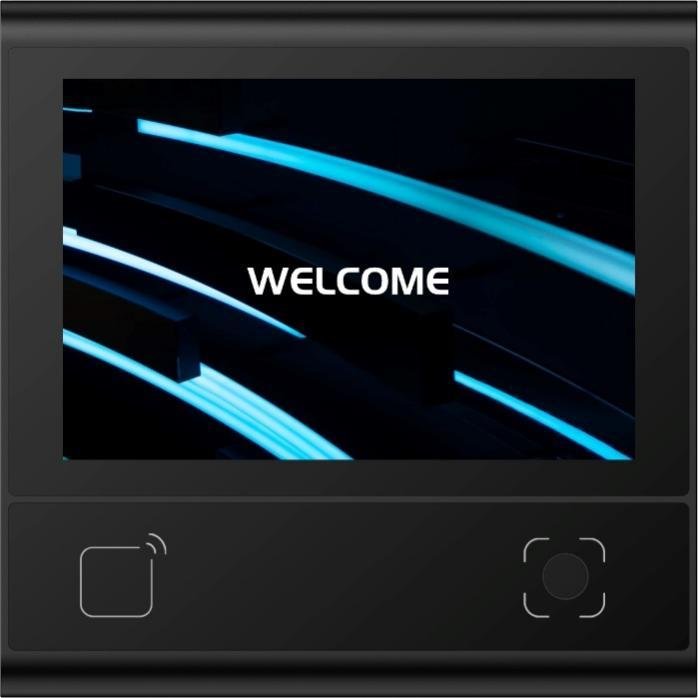
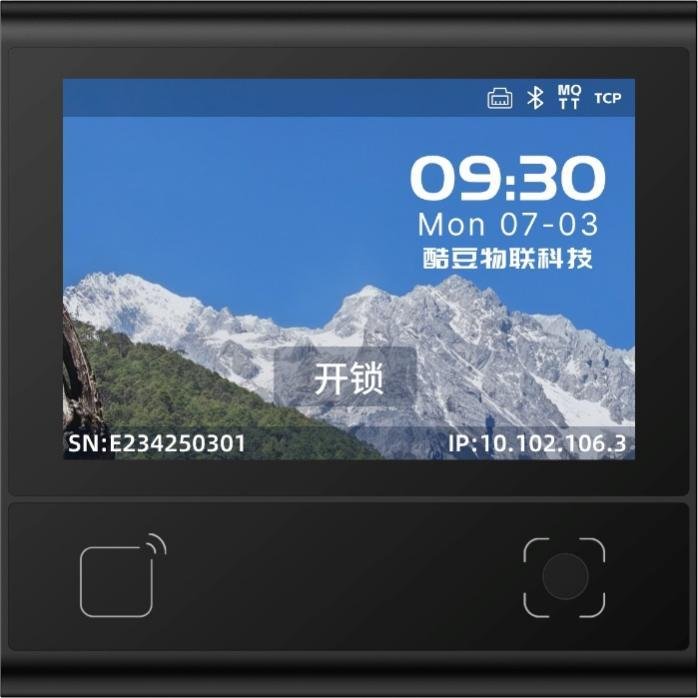
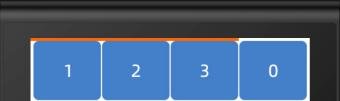
The unit has a reading window, touch screen, status LEDs and connector. Function blocks: reading (QR/RF/password), HMI (boot/main/password/verify/info), local match and door output. Firmware upgradable via backend or tool.
Technical Specifications
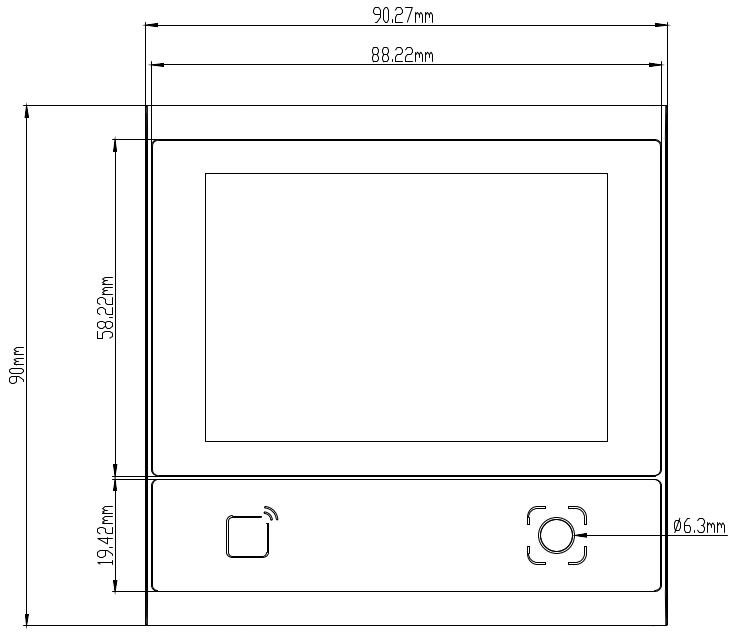
General: 485/Ethernet, door I/F with exit/relay/door-contact; 3.33-inch 320×480 IPS touch; BLE 5.1 (≤25m); users 50000, passwords 50000, cards 100000, IDs 100000, records 200000. Reading: QR/PDF417 and 1D, RF 13.56MHz (M1 ≤38mm). Electrical: DC 9–15V (12V typ), 293mA, 3.52W, relay 30V/1A. Environment: -20℃~60℃, 0–80000Lux. See Specs card.
Interface Definition
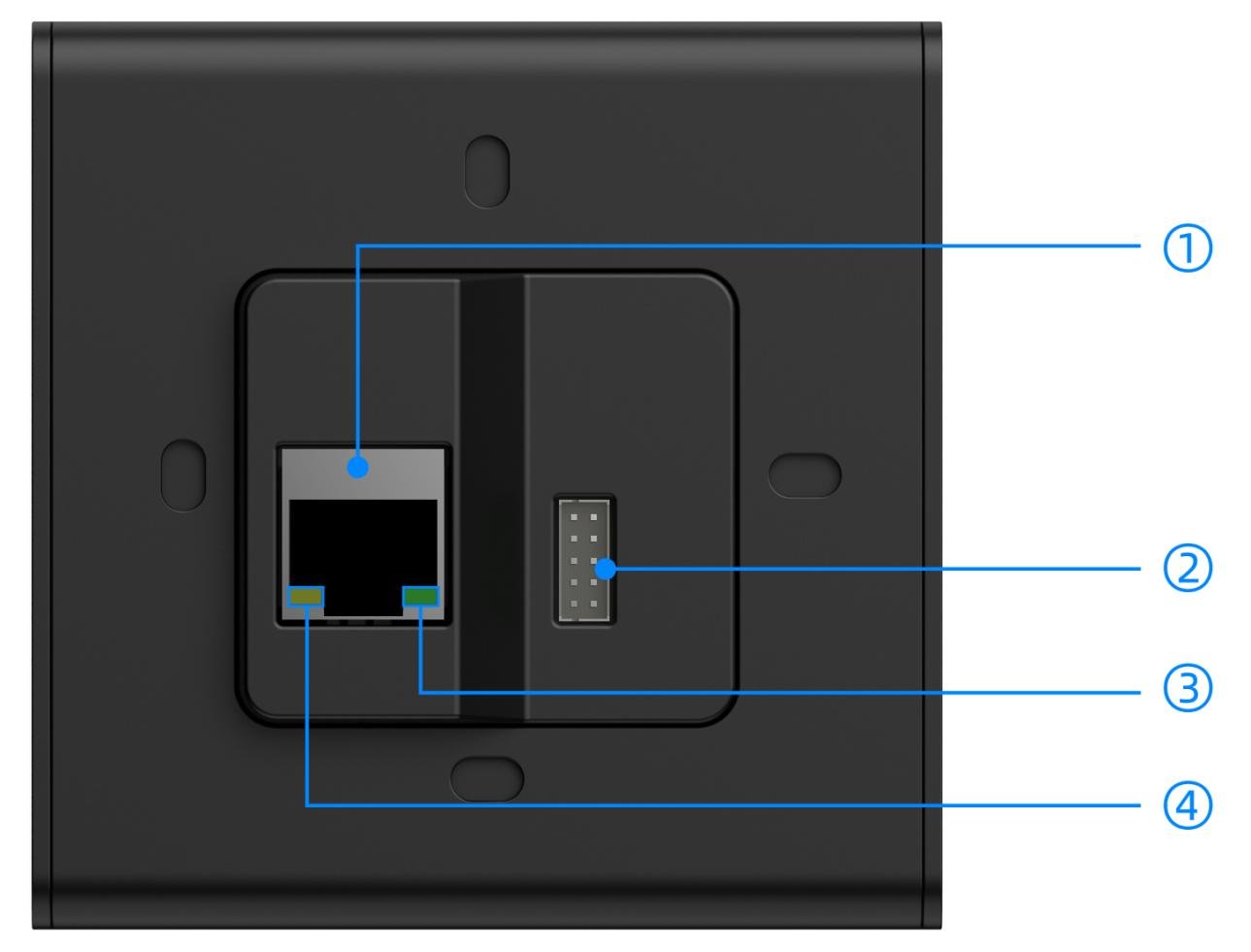
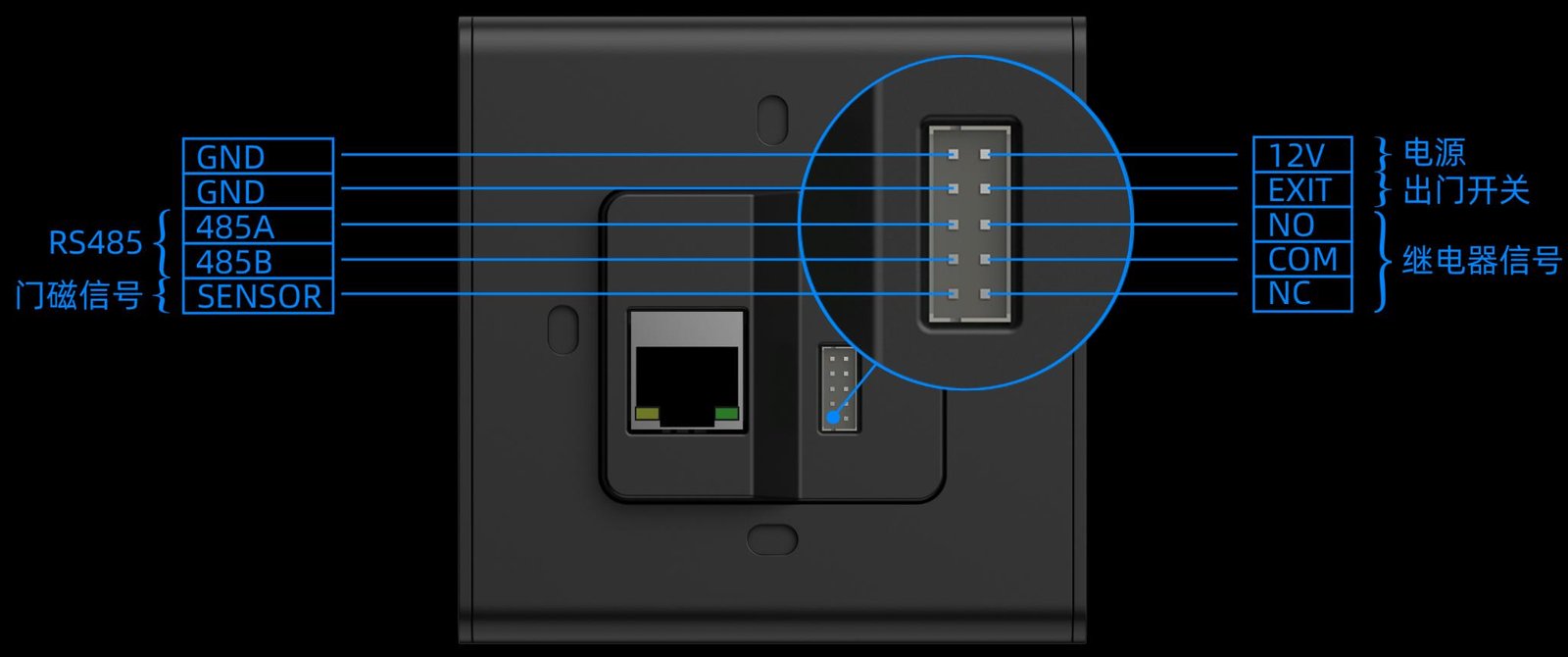
① 100M port; ② connector for power, lock, exit button; ③ green LED (10M); ④ yellow LED (100M).
Installation
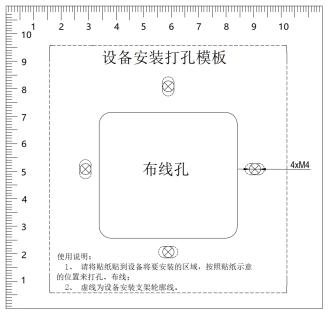
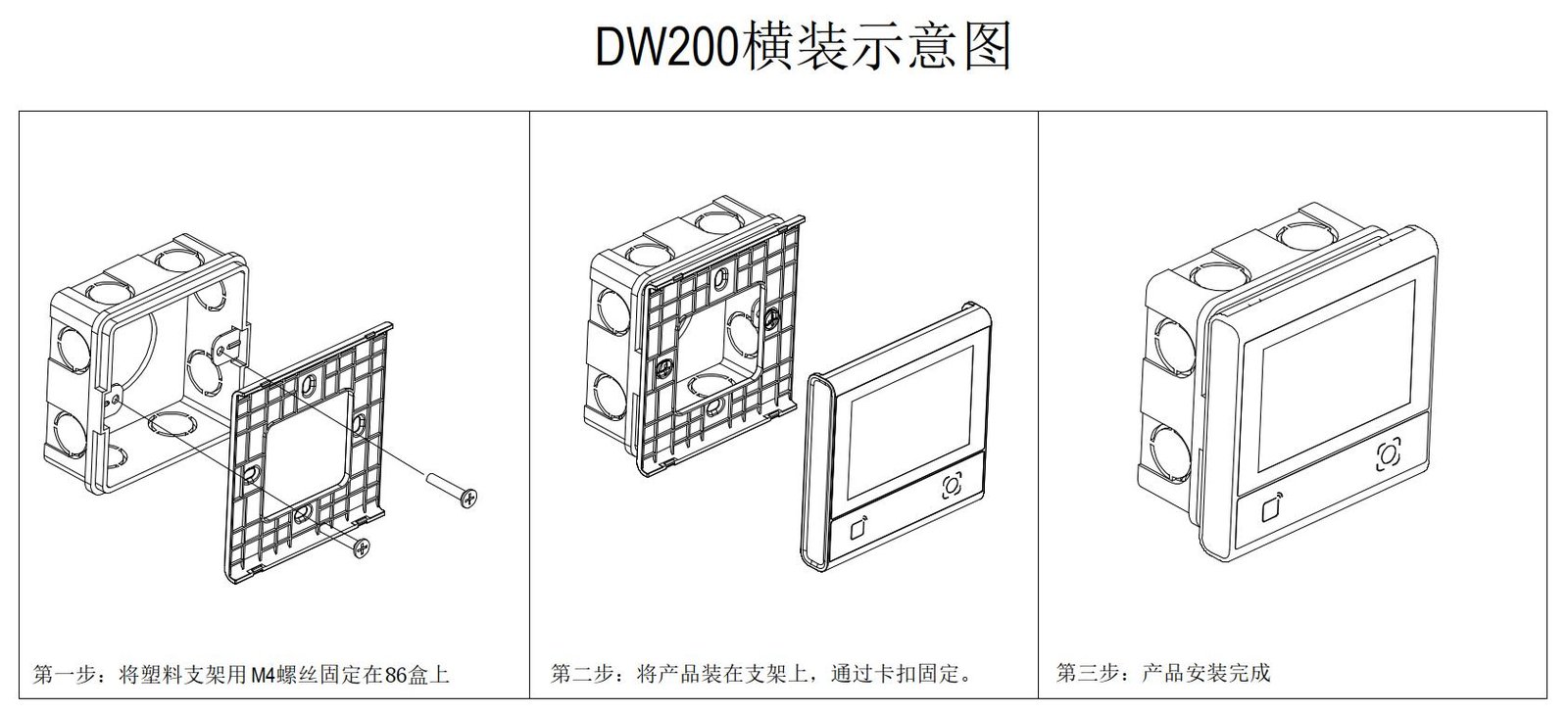
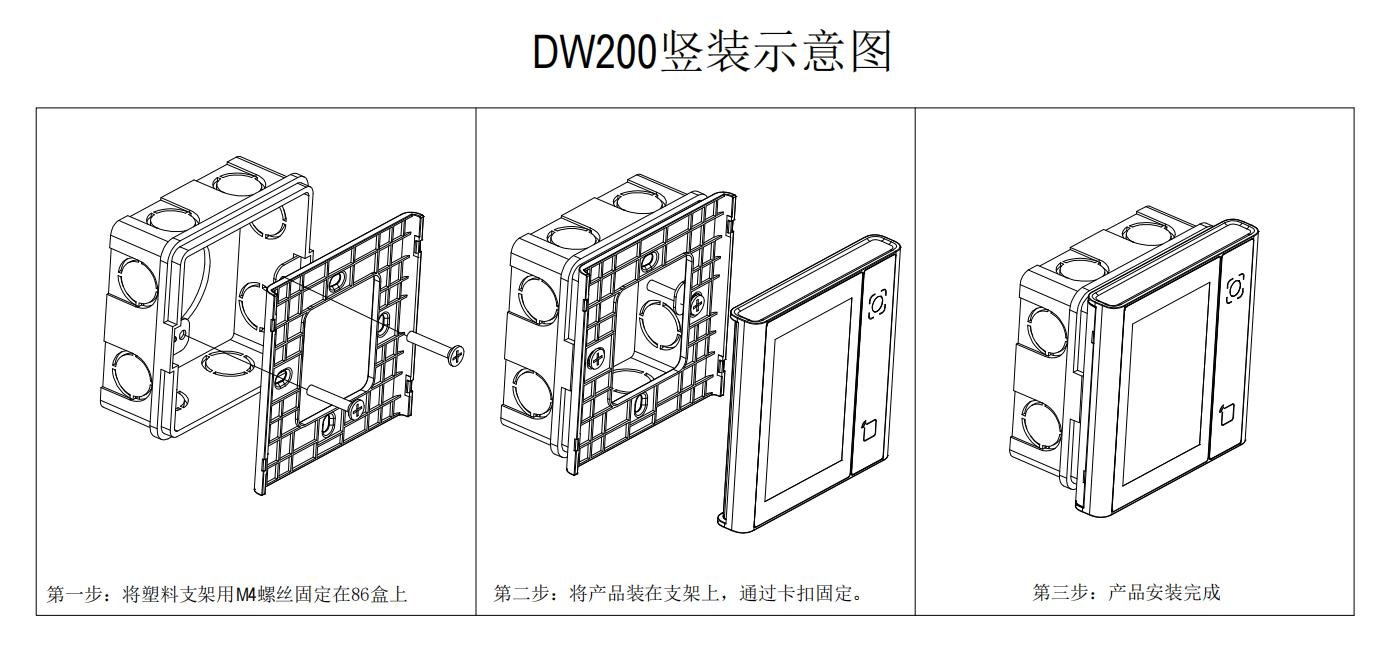
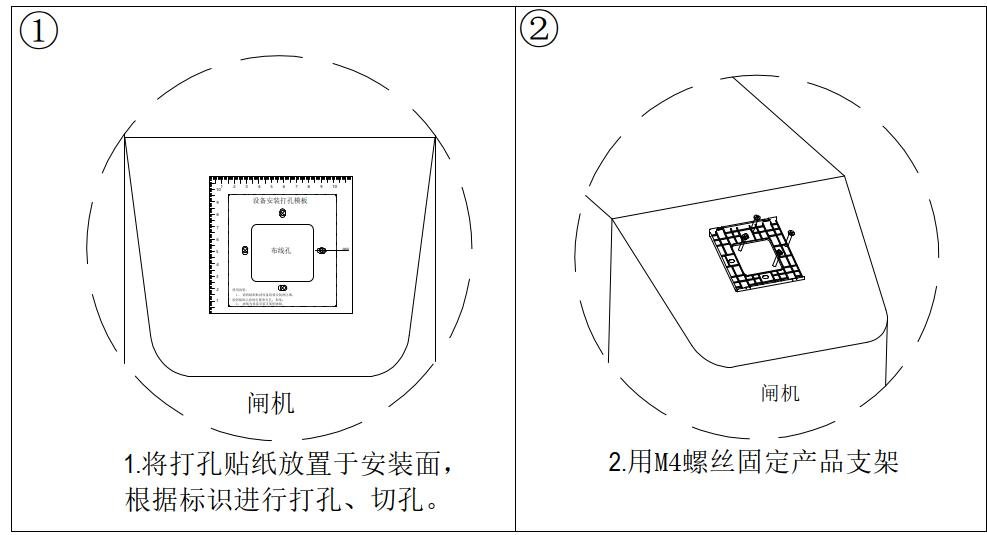
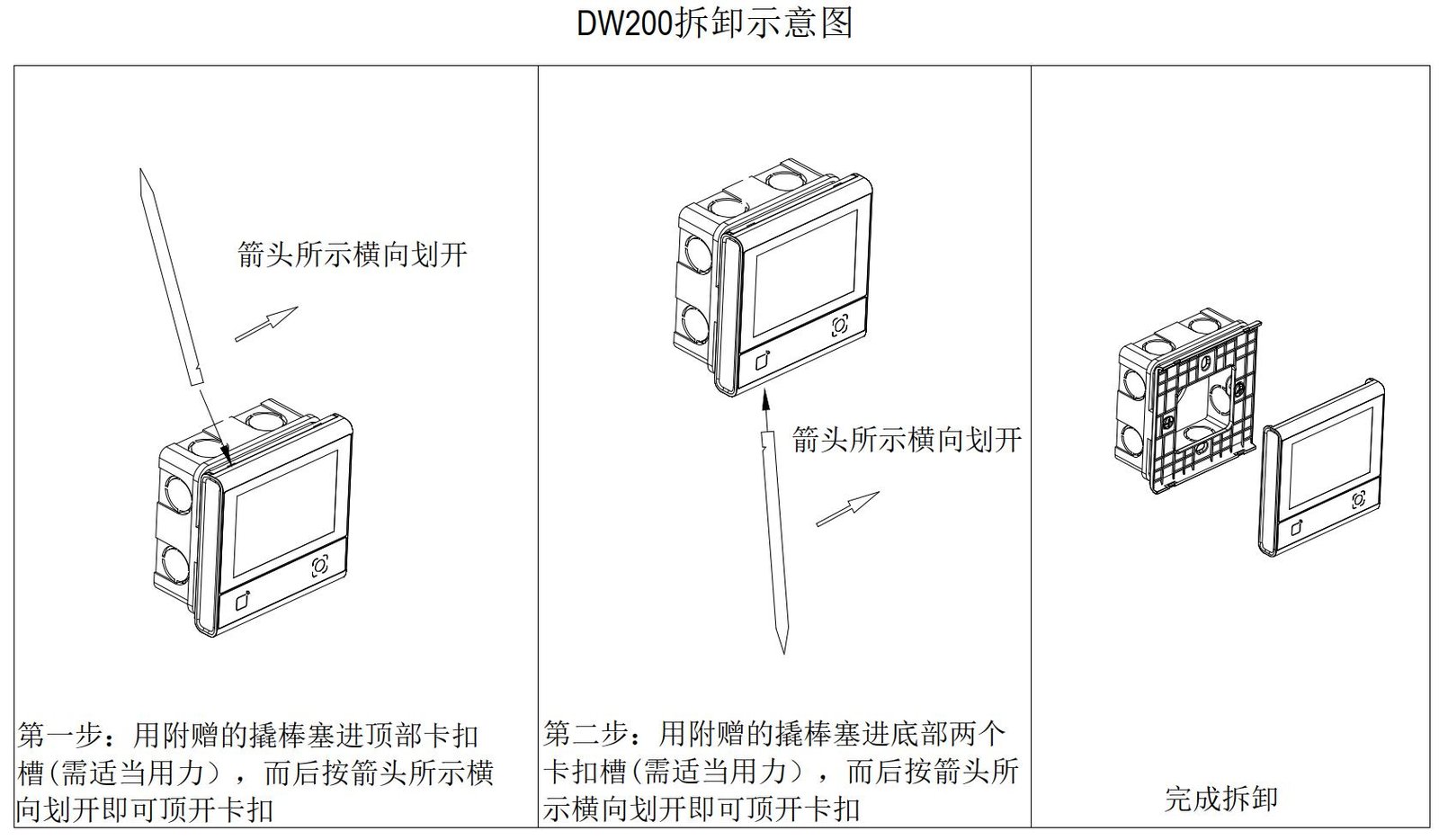
86-box: fix to the box. Non-86-box: drill then mount. Disassembly: use the supplied plastic pry bar, never a metal screwdriver.
Avoid aiming the window at sun or strong lights; keep metal/magnets 10cm from the RF antenna.
Usage Modes
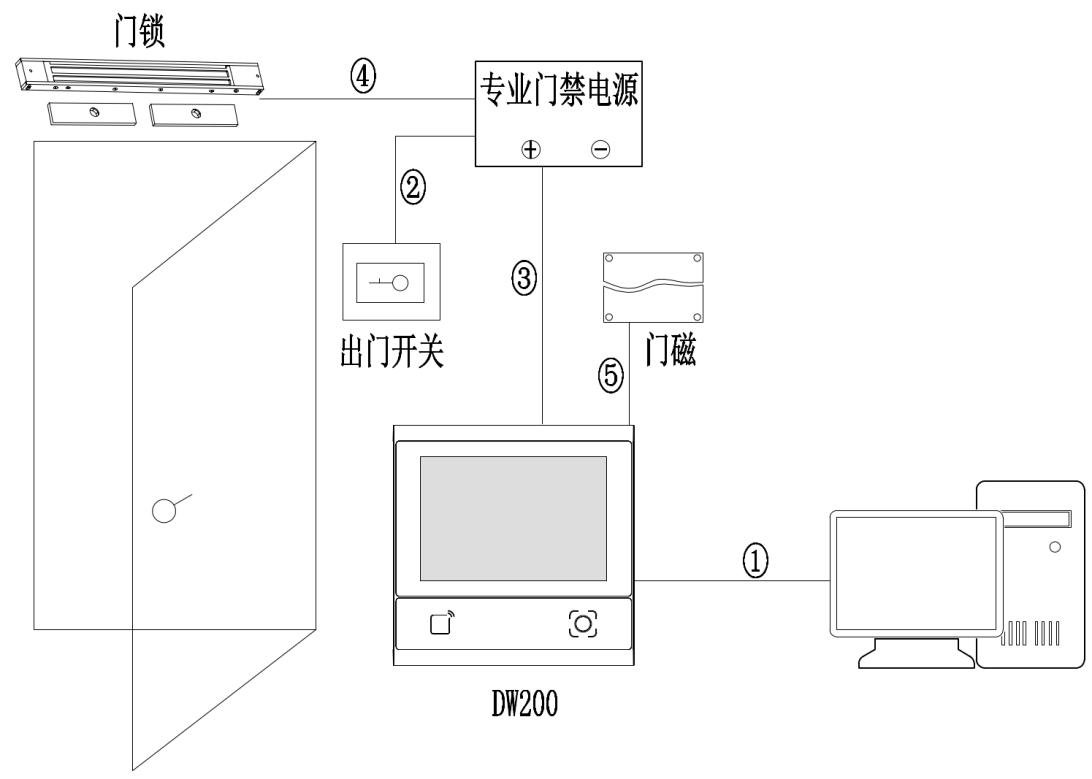
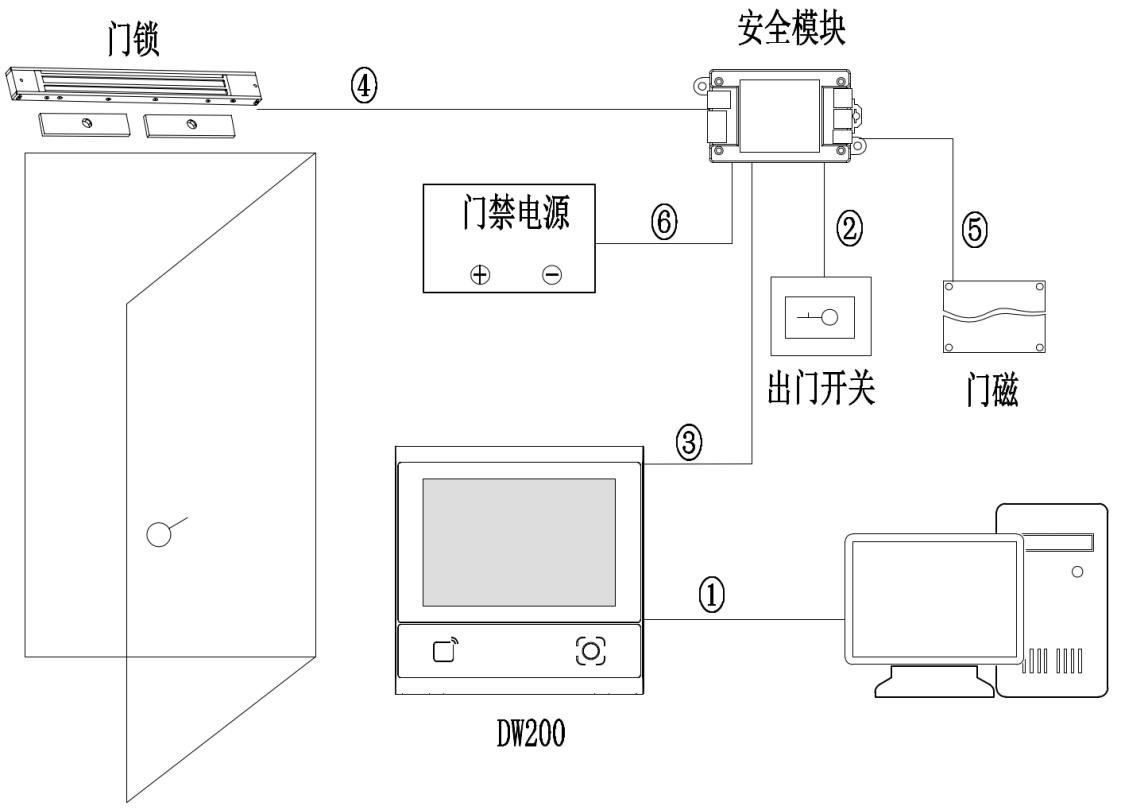
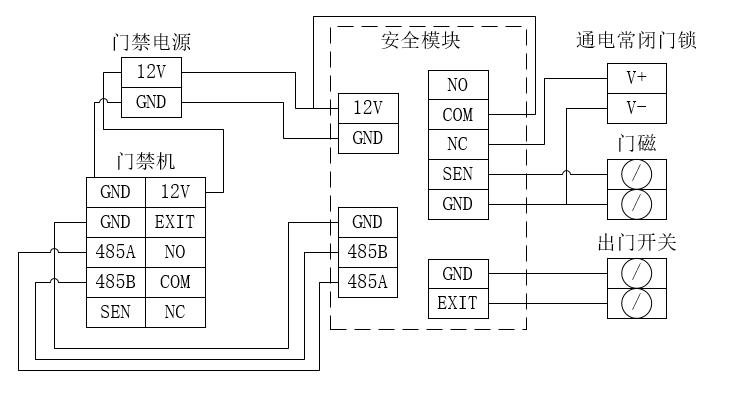
Standalone: local verification and door output, no network. With security module: stricter permission and alarm linkage. Cable: choose compliant network or RVV control cable.
Platform Integration
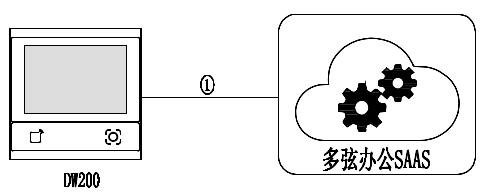
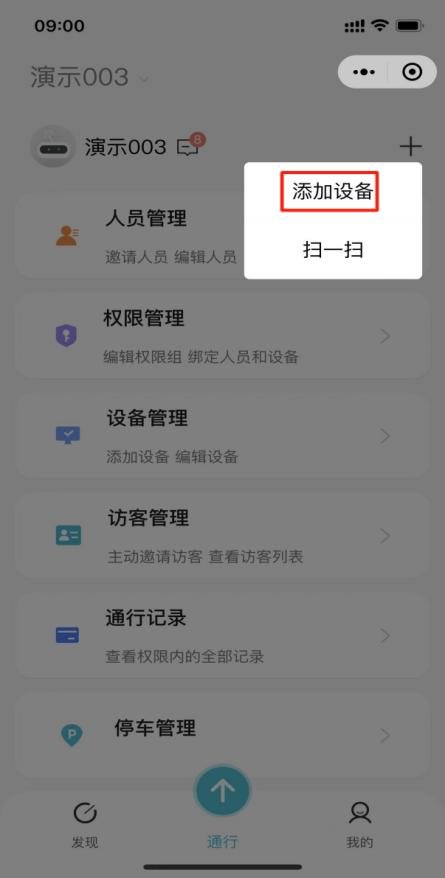
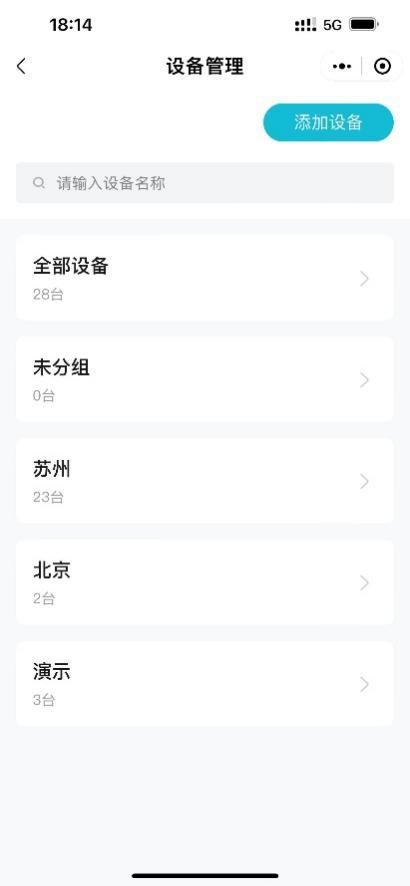
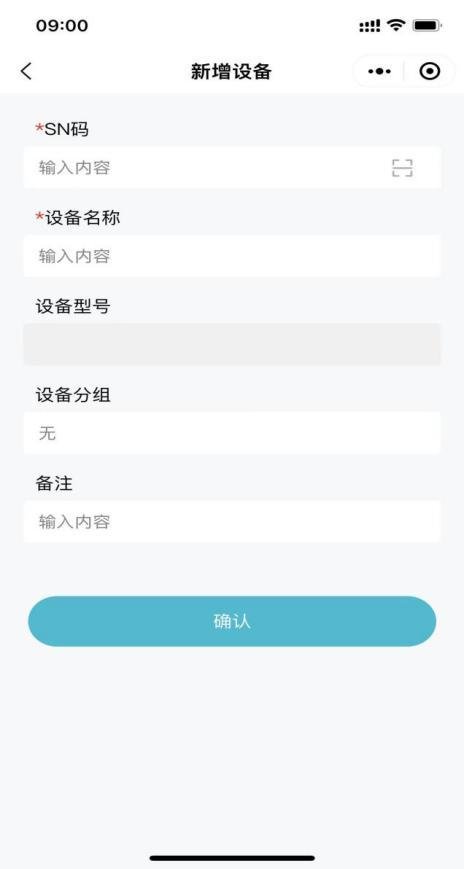
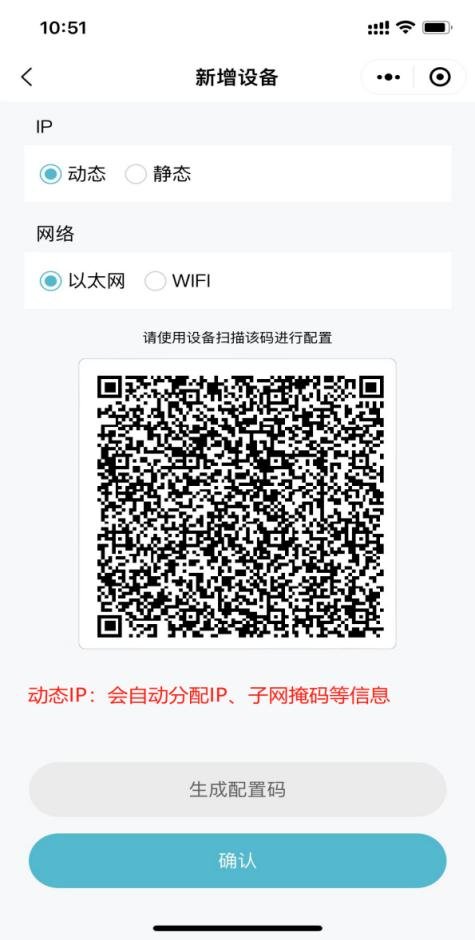
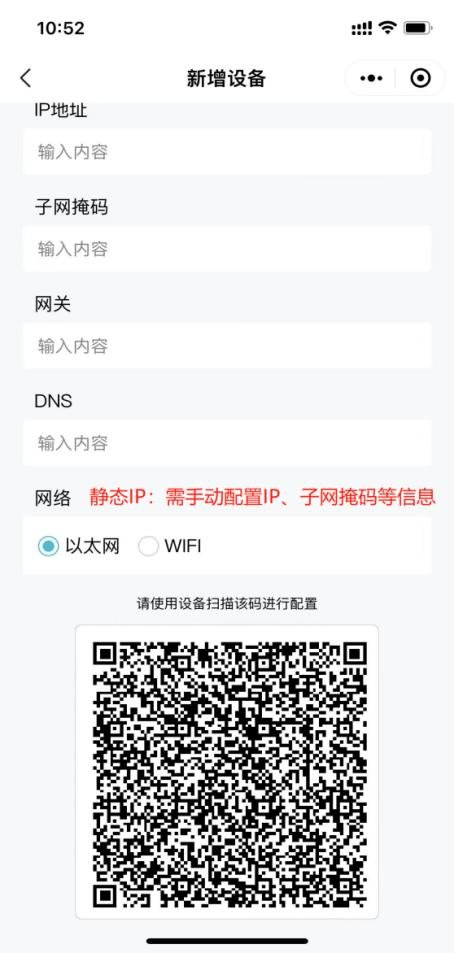
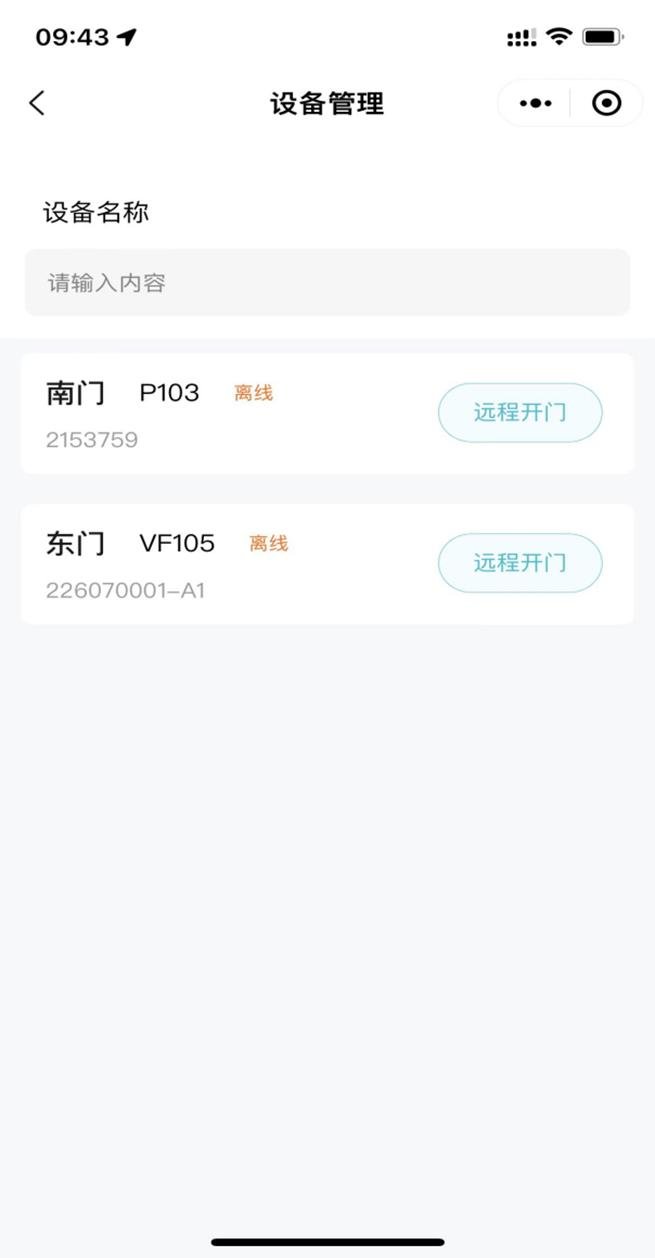
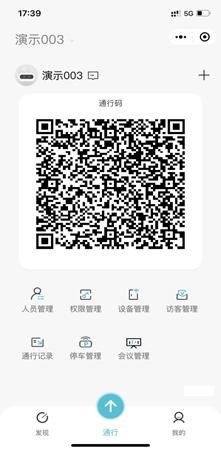
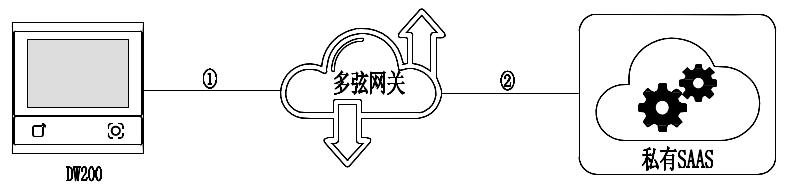
Connect to Duoxian Office: central management of personnel, permissions and records. Connect via Duoxian gateway: gateway-based onboarding and protocol conversion for existing systems. See the platform docs for details.



Installation Notes
Power only after wiring; hot-plug damages electronics. Wait 2s after power-off. Avoid strong light on the window; keep metal/magnets 10cm from RF antenna.
Videotutoriales
DW200 门禁一体机接线演示
Ver videoPreguntas Frecuentes
¿Qué capacidad tiene la terminal de acceso DW200?
Admite 50.000 usuarios, 50.000 contraseñas, 100.000 tarjetas, 100.000 números de ID y 200.000 registros de acceso.
¿Cómo me conecto a la plataforma Koodle Cloud?
El dispositivo puede conectarse a la plataforma de oficina Koodle (Duoxian) o vía pasarela para la gestión centralizada de personal, permisos y registros. Consulte la documentación de la plataforma para más detalles.
¿Se pierden los datos tras un corte de energía?
El personal, los permisos y los registros se almacenan localmente y no se pierden al cortarse la energía; la verificación funciona con normalidad al restaurar la alimentación.