Visitor Booking
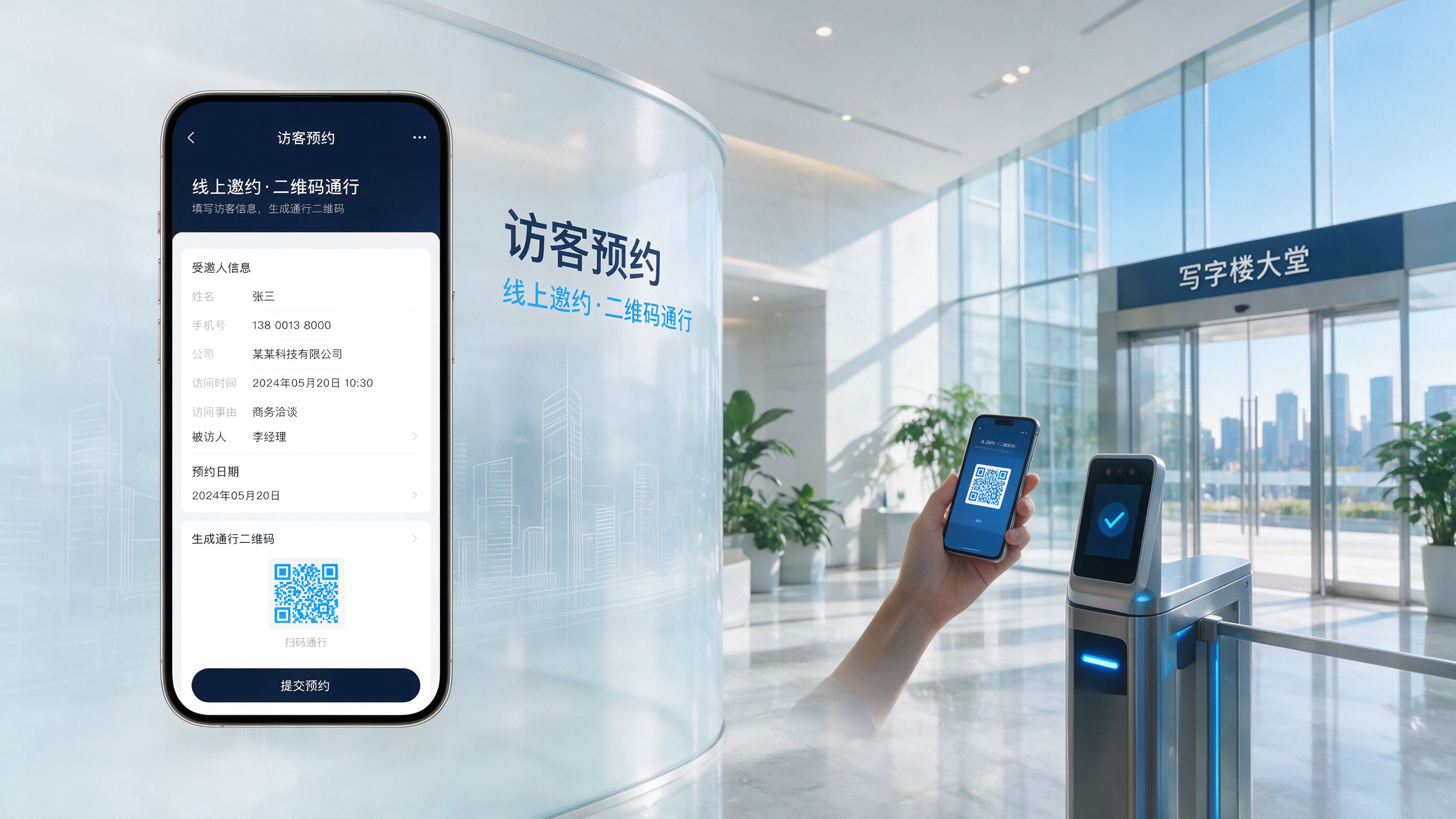
The system supports invitation, online booking and temporary booking. Invitation visits generate a visitor code after submission; online booking lets visitors fill in info via mini-program for host approval; temporary booking supports on-site scanning. After approval, visitors pass via invitation code or face verification — fully online and efficient.
Arrival Registration
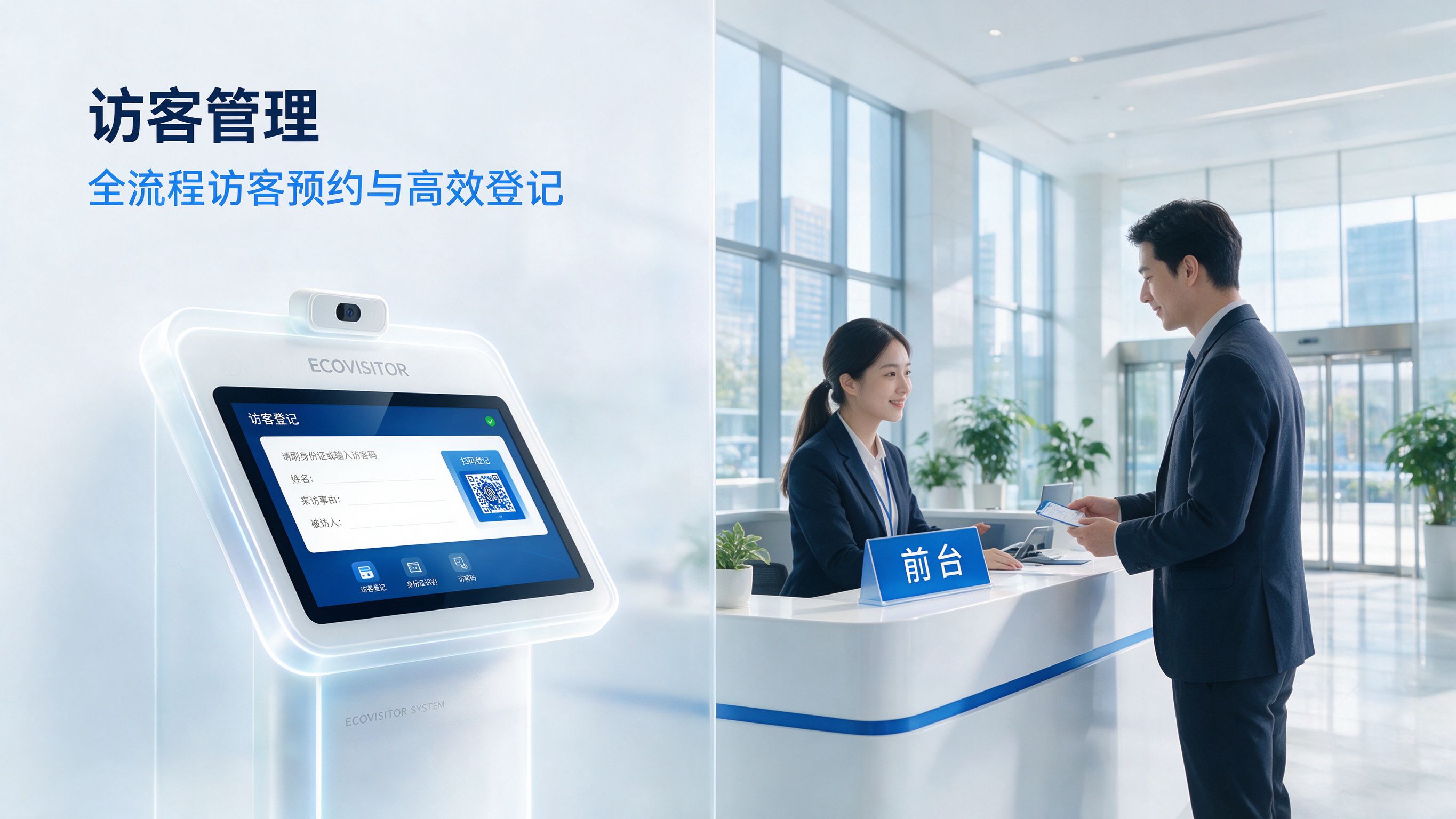
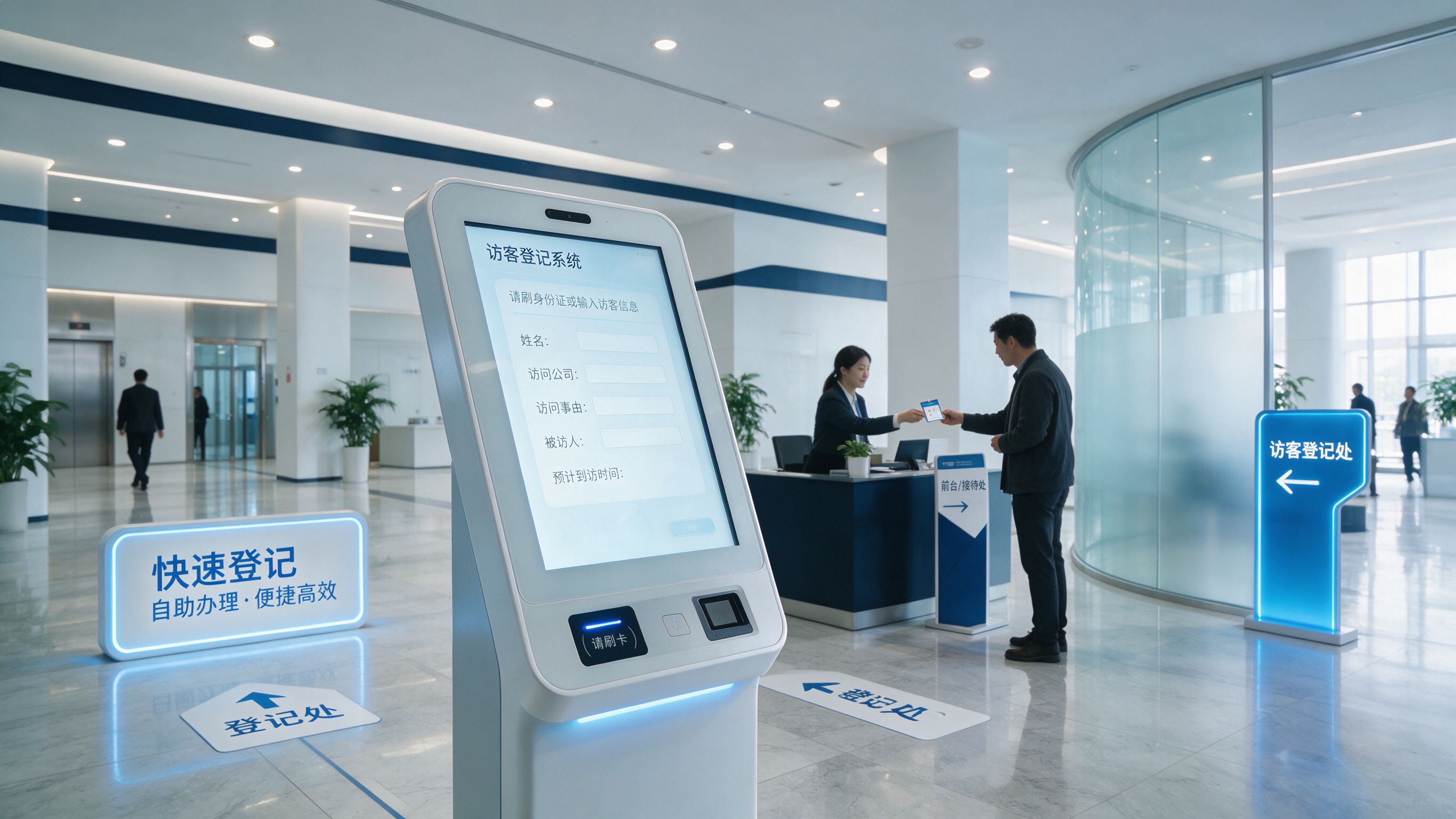
On arrival, visitors use a self-service kiosk or front-end device for face recognition or credential scanning; the system automatically identifies and records identity and arrival time. Self-service, automated verification reduces front-desk burden and improves reception efficiency and experience.
Data Traceability
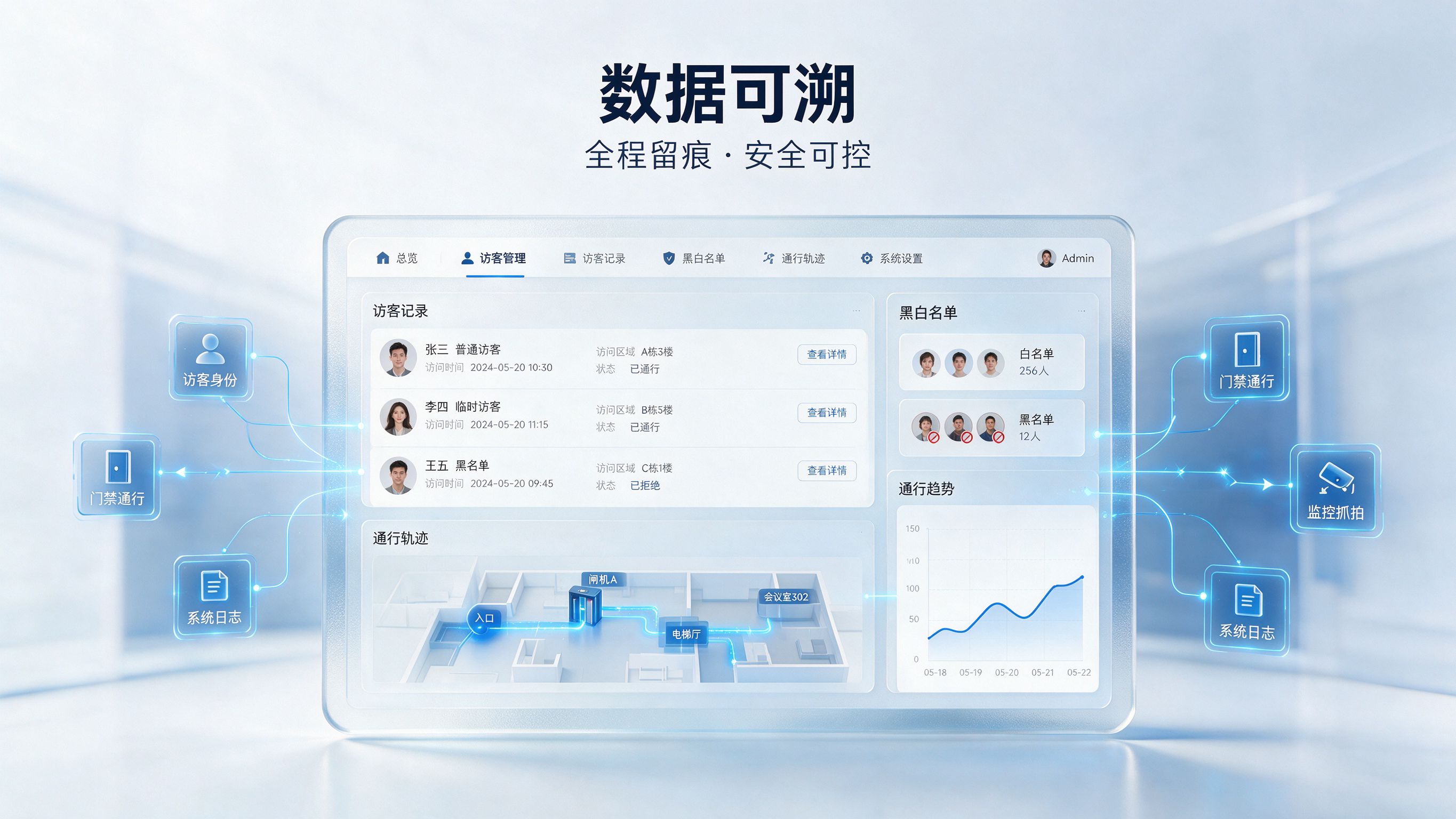
The back office statistically analyzes visitor data and generates reports and flow charts; it monitors entries/exits in real time, records arrival, departure and visited areas, identifies abnormal visitors and alerts staff — full trace logging for safety and control.
FAQ
How much does a visitor management system cost?
It depends on scale and features: a single-point visitor kiosk for a small office starts in the low thousands of RMB; a mid-size office building with multiple lanes plus a platform runs around tens of thousands; large campuses with many sites need a custom quote by location and integration. Survey your requirements first, then evaluate.
How do visitor pre-booking and access control work together?
Once approved, temporary access is pushed automatically; the visitor scans a face or QR code to reach the authorized zone. Permissions can be limited to floor and time window and expire automatically — no manual door opening needed.
Is visitor facial data secure?
Faces are sensitive personal data. We require notice and consent, collect minimally, encrypt at rest, and state purpose and retention clearly per PIPL. Sensitive units can deploy privately so data never leaves their domain.
Can it integrate with our existing access or HR system?
Mature solutions use a platform as the hub and connect with existing access, elevator control, parking, and HR or attendance systems. Confirm the vendor’s open-interface capability when selecting.
Can registered visitor license plates be released automatically?
Yes. After a visitor plate is registered, entrance LPR releases the vehicle automatically, closing the people-vehicle loop with facial passage for a better reception experience.