
SA100安全模块
SA100 门禁安全模块使用手册:涵盖产品外观、商品参数、接口定义、场景示意图、接线示意图与安装方法。
前言
感谢使用提供的SA100门禁安全模块。认真阅读本文档,可以帮助您了解此设备功能、特点、以及快速掌握设备的使用、安装方法。
产品简介SA100是一款基于485通讯的门禁安全控制模组。输入端通过485与门禁机通信,利用 AES SM2 SM4等多种商密、国密算法可对通信数据加密;输出端与门禁控制单元连接,控制门锁动作。有效防止门禁机被非法拆解后,门锁控制信号暴露的安全问题,极大提高门禁安全级别。
产品特点1,支持多种加密算法,防止数据泄露。2,外观小巧,多种安装方式。3,支持门磁检测,实时反馈门锁状态。4,隔离门禁机与控制单元,增强门禁安全。
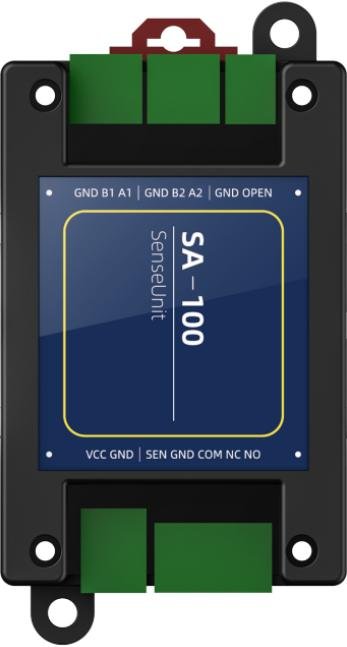
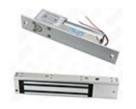
产品外观
外观图
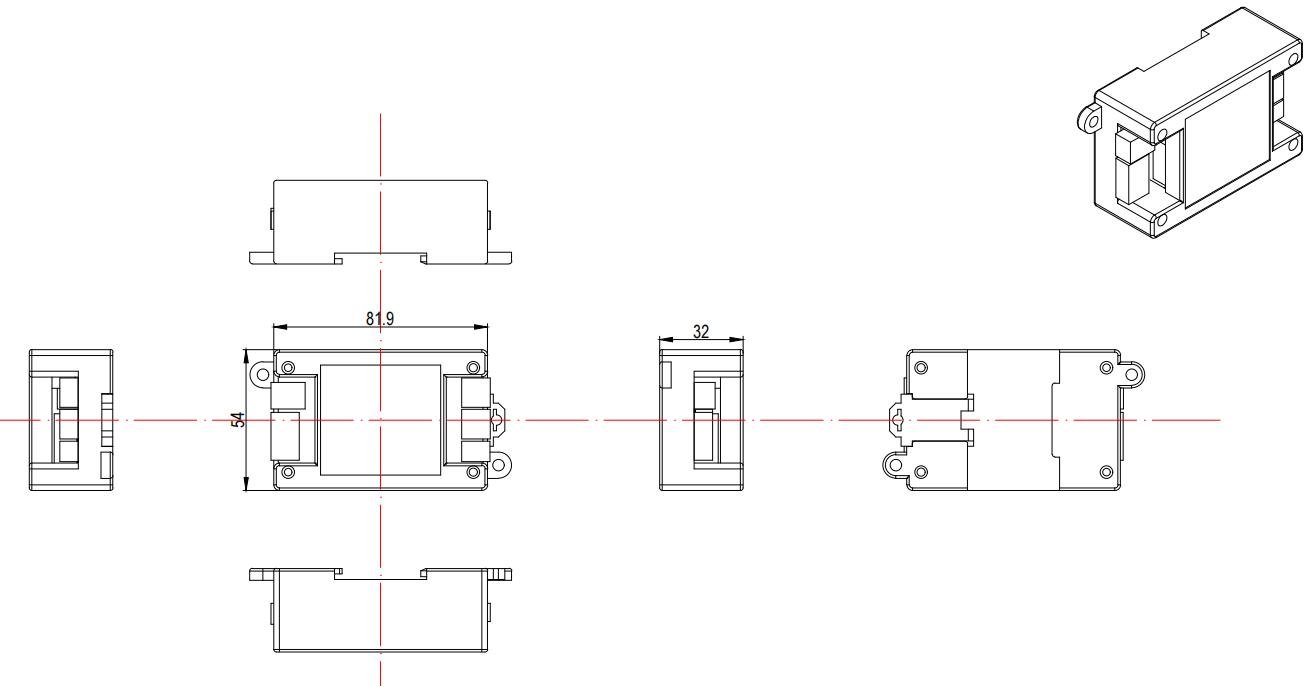
产品尺寸图
商品参数
设备参数通讯接口 两路RS485输入接口 一路开门信号输入、一路门磁信号输入锁控 一路继电器输出继电器延时 默认3秒(可配置)加密算法 支持AES SM2 SM4等工作电压 9V-12V工作电流 60mA安装方式 导轨/螺丝固定材质 PC+ABS产品尺寸 81.90mm54.00mm32.00mm指示灯 绿色状态指示灯、红色电源指示灯工作温度 -20℃-80℃存储温度 -40℃-80℃静电防护 接触放电±8KV 空气放电±15KV
接口定义
功能定义 引脚名称 引脚说明 功能定义 引脚名称 引脚说明出门按钮输入OPEN 接开门按钮引脚继电器输出NO 常开GND 接开门按钮引脚 NC 常闭485端口-2A2 485A COM 公共端B2 485B门磁输入GND 端口地GND 端口地 SEN 门磁信号输入485端口-1A1 485A电源GND 电源地B1 485B VCC 电源正GND 端口地 - - -
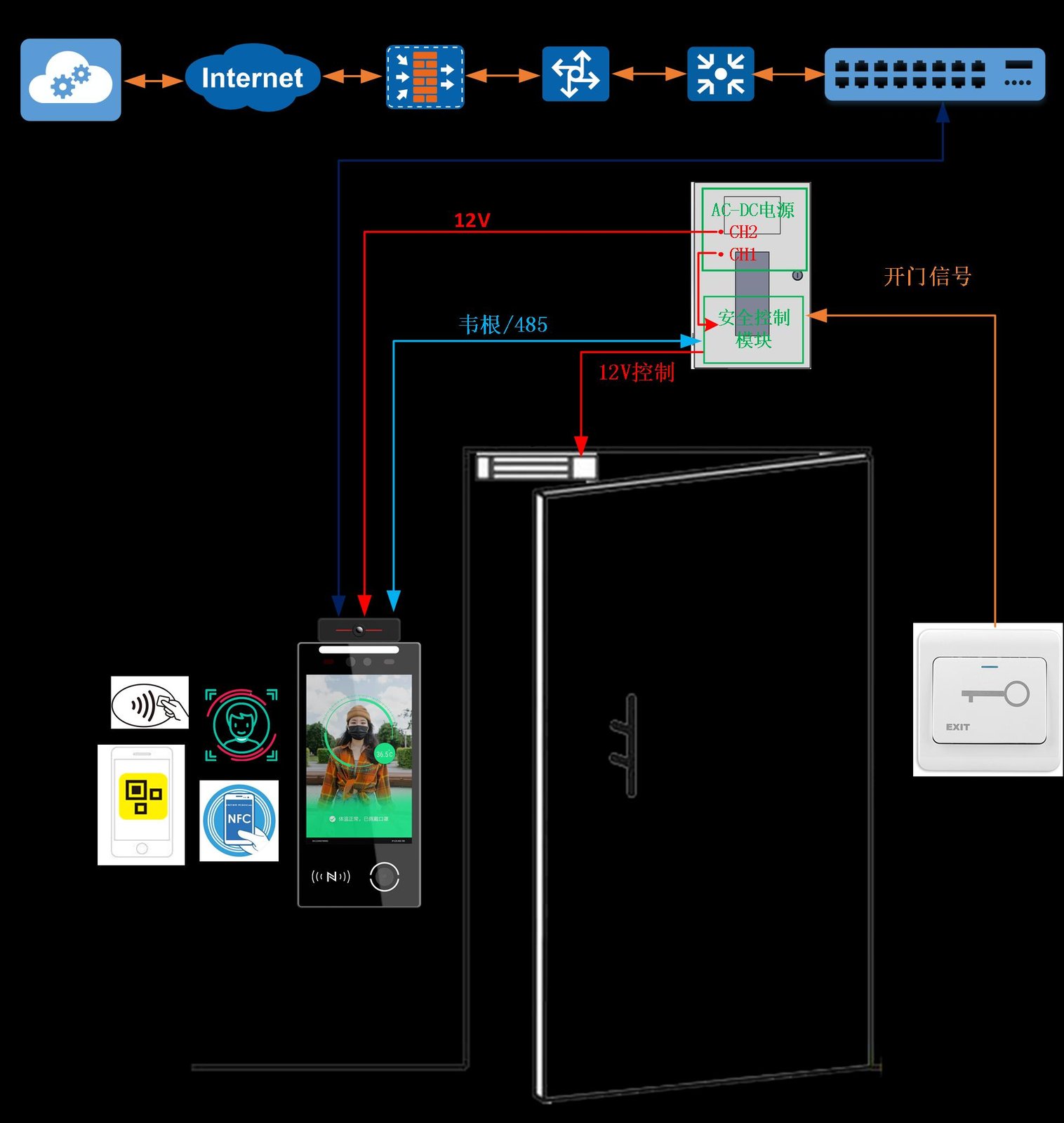
场景示意图
485
接线示意图
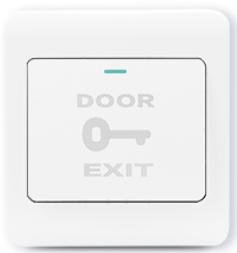
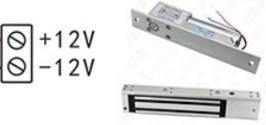
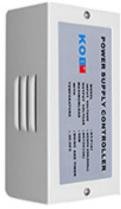
接线图 1:带门禁专用电源的标准接法门禁机建议采用独立供电而不是门禁电源供电的原因是:防止非法人员将门禁拆机后,短路电源正负,将门禁电源烧毁,进而使电磁锁断电打开。OPENGNDA2B2GNDA1B1GNDPUSHGNDNOCOMNCGND12VNONCCOMGNDSENGNDVCC独立电源12VGND出门按钮SA100安全模块门禁电源电磁锁485A485BGNDVCCGND 接线图 2:由安全模块直接控制电锁开关OPENGNDA2B2GNDA1B1GNDNONCCOMGNDSENGNDVCC独立电源 2GND12V独立电源 112VGND出门按钮SA100安全模块电磁锁485A485BGNDVCCGND 接线图 3:锁头带反馈信号接线(不需要门磁检测也可不接)OPENGNDA2B2GNDA1B1GNDNONCCOMGNDSENGNDVCC独立电源 2GND12VGNDVCCNOCOMNC独立电源12VGND出门按钮SA100安全模块电磁锁485A485BGNDVCCGND
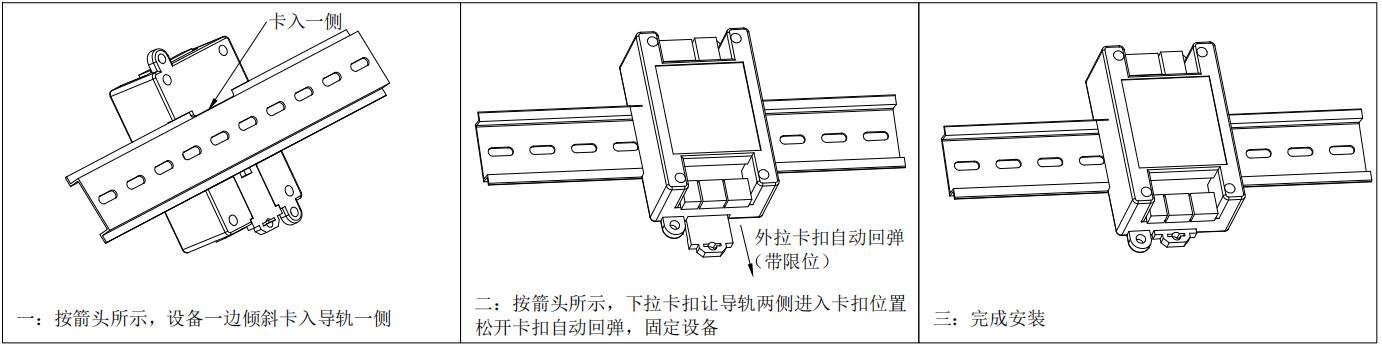
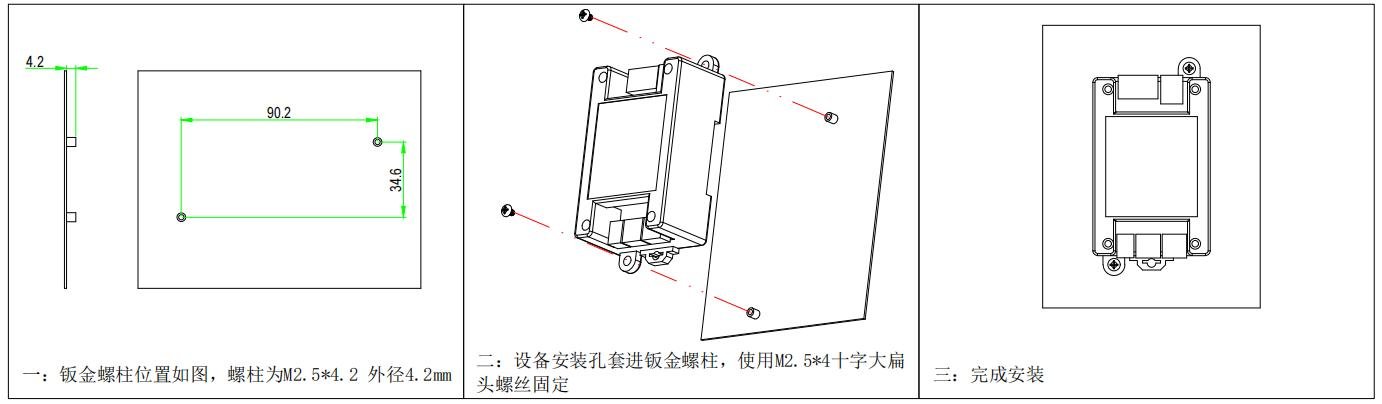
安装方法
导轨安装螺孔安装
联系方式
Video Tutorials
SA100 产品演示
Watch videoFAQ
How can I get the latest firmware for this product?
Firmware and upgrade packages require submitting your company information for approval; once approved, a download link will be sent. You can also upgrade online from the device backend.
The manual does not match the actual device?
Always refer to the device nameplate label and the latest version of the manual. If you have questions, contact Koodle technical support for assistance.