
Multi-function Terminal DW200
DW200 multi-function terminal manual: integrated face/QR/card reading and access control — overview, structure, specs, interfaces, installation, usage modes and networking protocols.
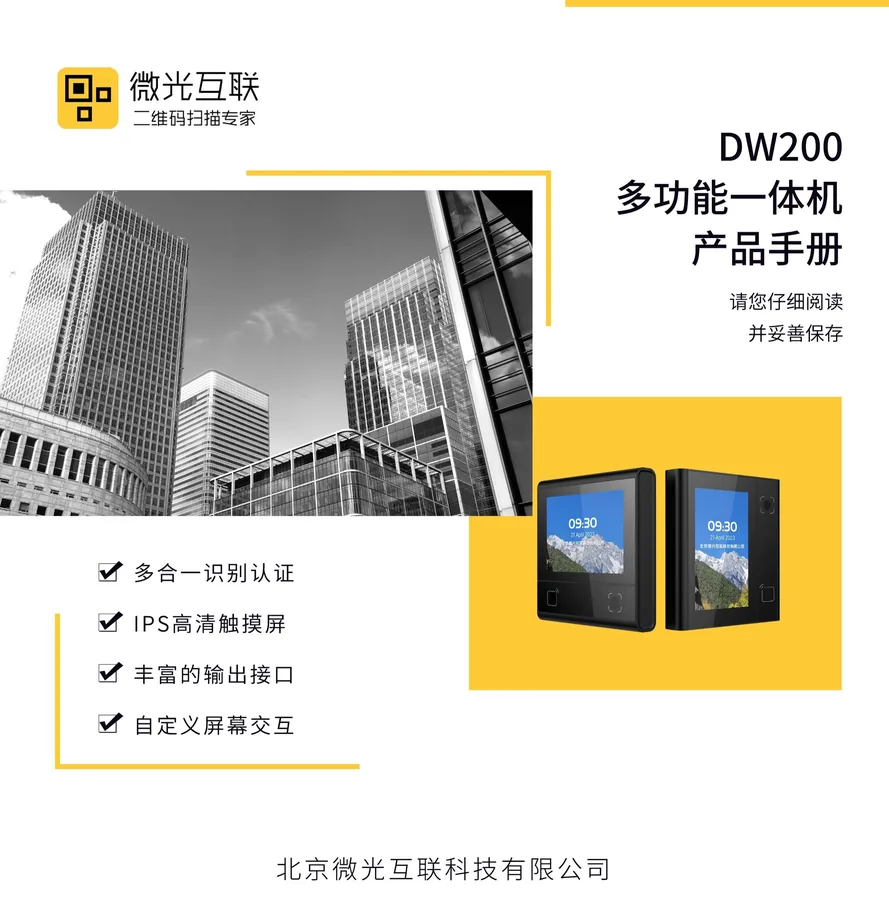
DW200 multi-function terminal integrates face/QR/card reading and access control; it works standalone or with controllers and security modules for complete entrance management. This manual covers overview, install and networking.
Product Overview
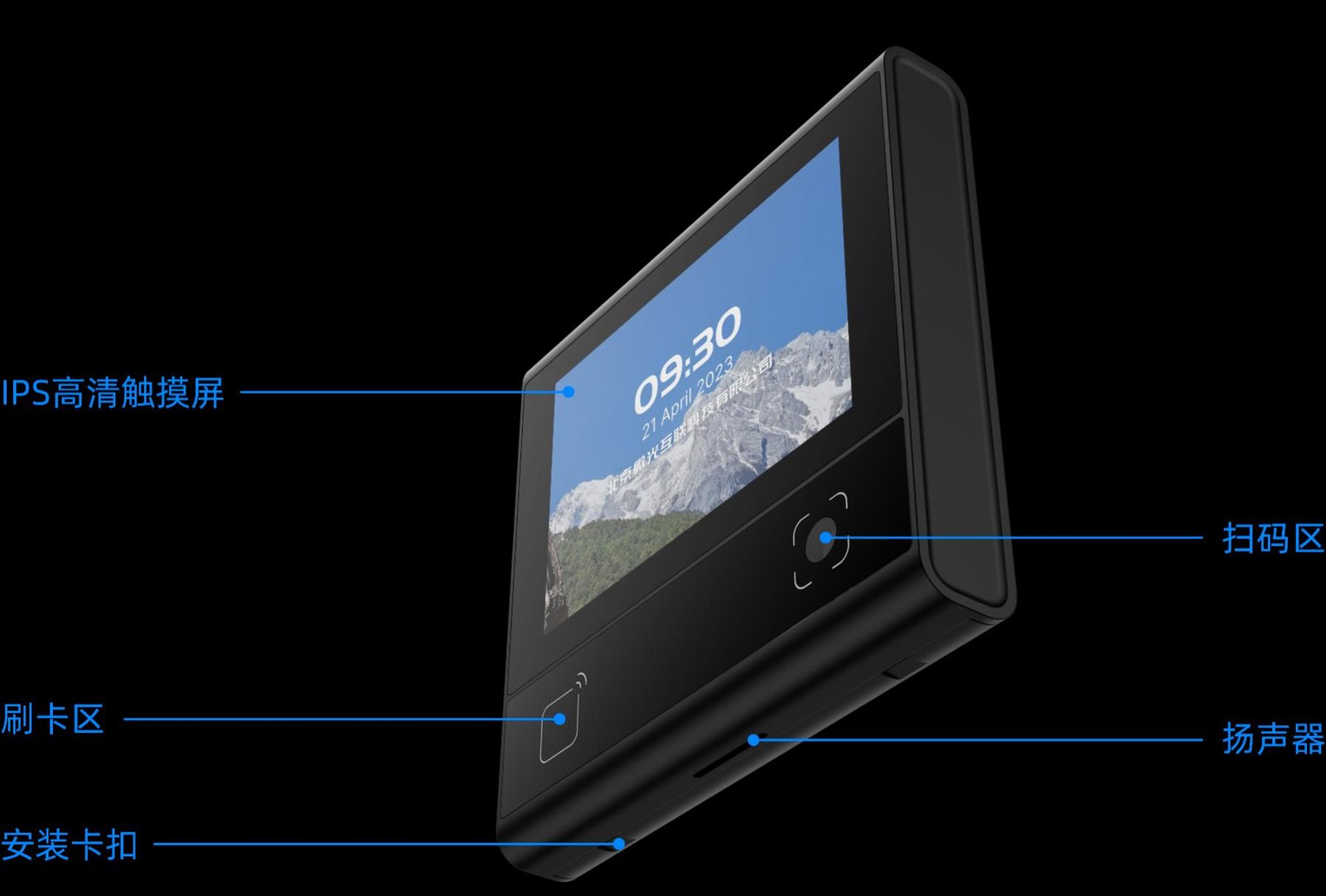
DW200 integrates QR reading, RF card reading (incl. ID card), Bluetooth and access control on Linux, with a 3.33-inch IPS capacitive touch screen and 480K CMOS sensor. For communities, enterprises and self-service sites.
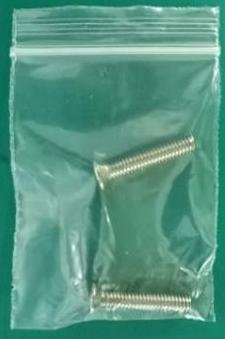
Features: QR/PDF417 and major 1D codes; ISO 14443A/B, CPU and ID card (optional); BLE 5.1; tempered-glass reading window; 86-box or non-86-box mounting. Package includes host, accessory kit (with plastic pry bar) and manual.
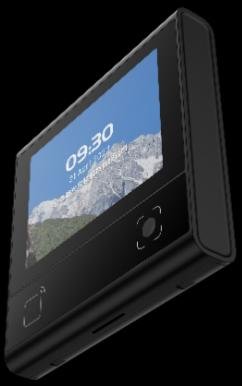
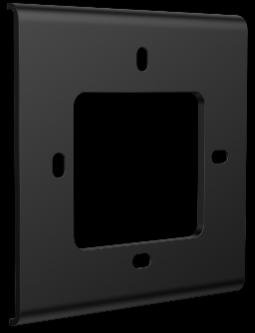
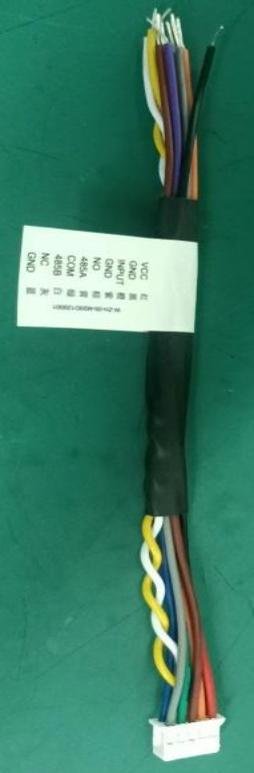

Structure & Functions
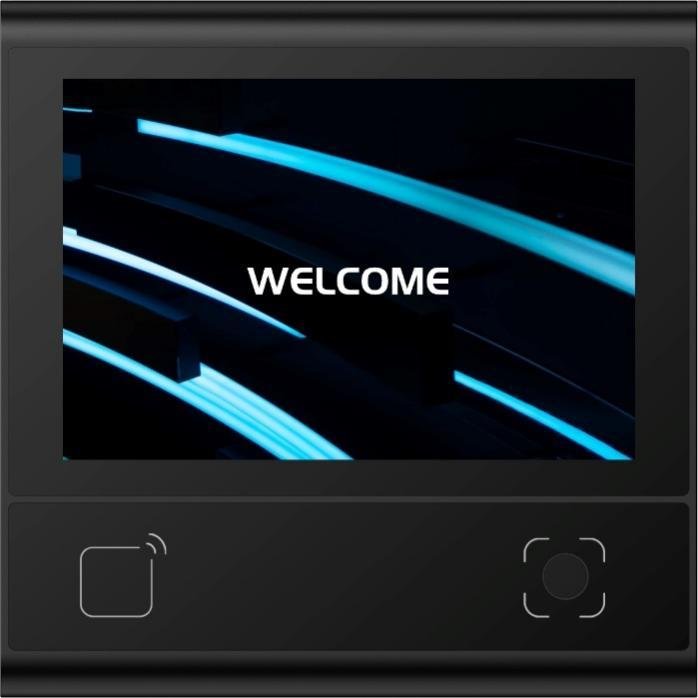
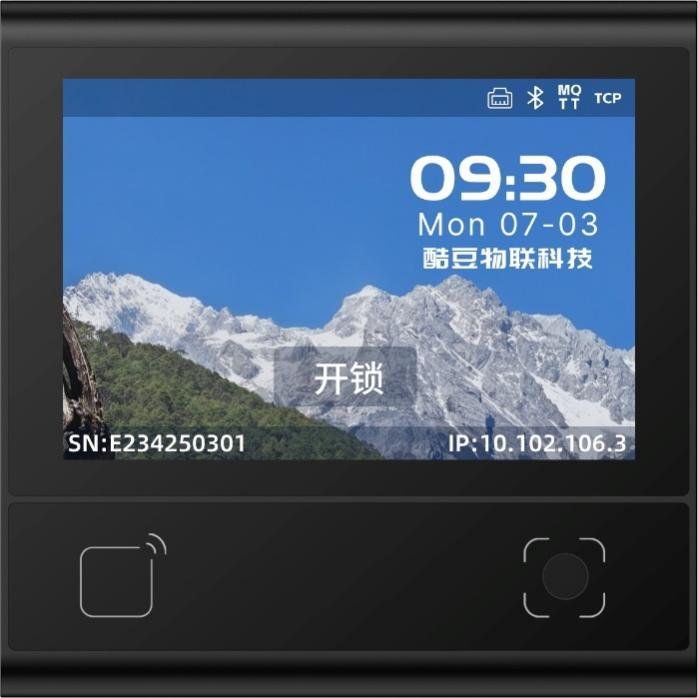
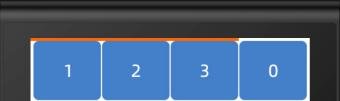
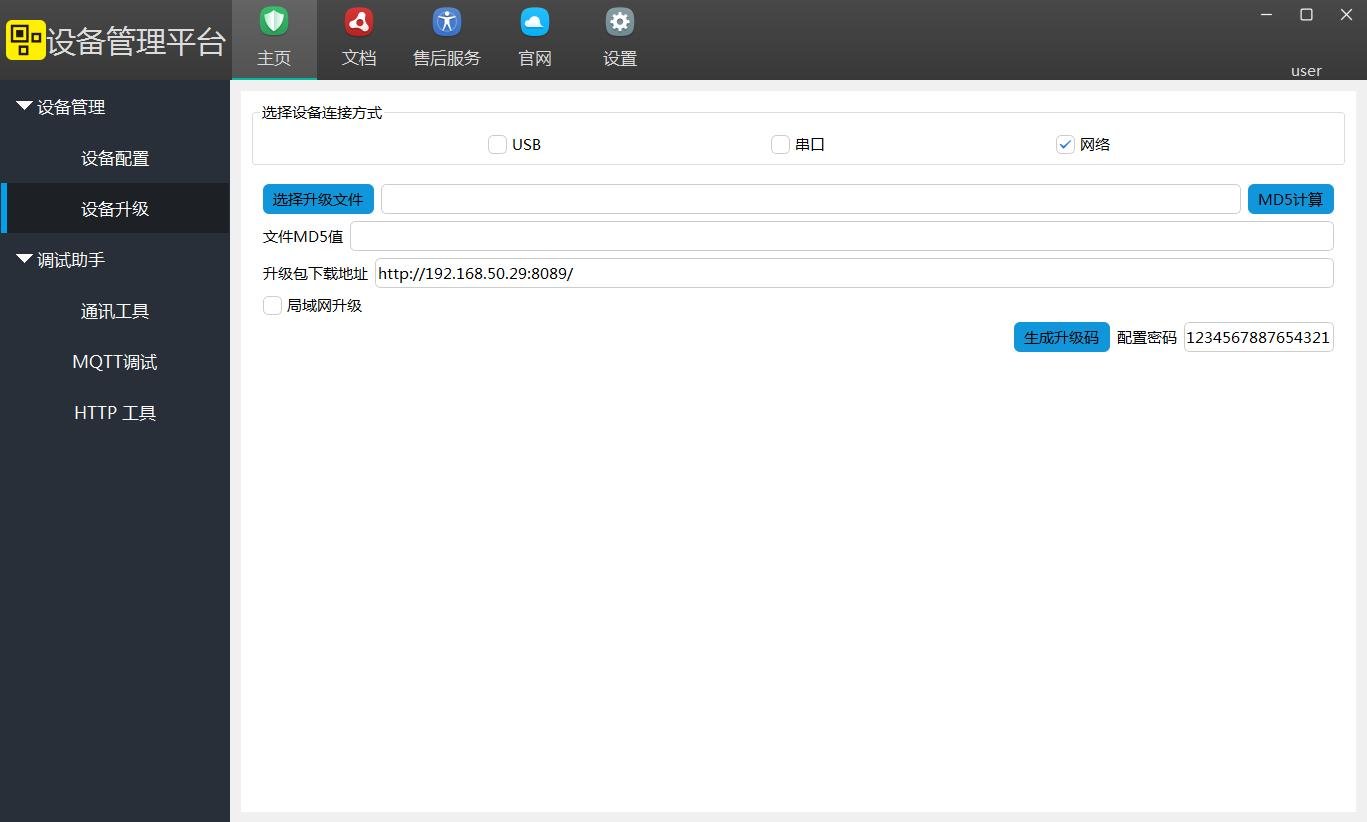
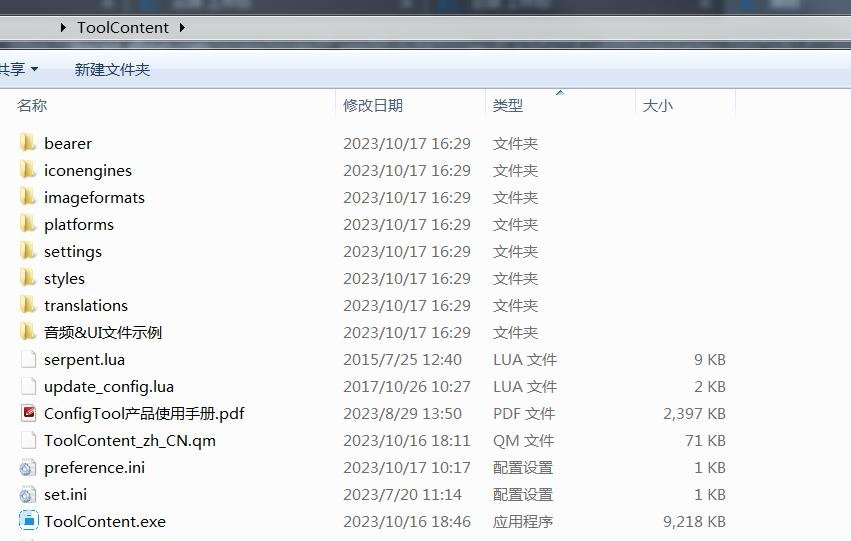
The unit has a reading window, touch screen, status LEDs and connector. Function blocks: reading (QR/RF), HMI (boot/main/password/verify/info), local match and door output. Firmware upgradable via backend or tool.

Technical Specifications
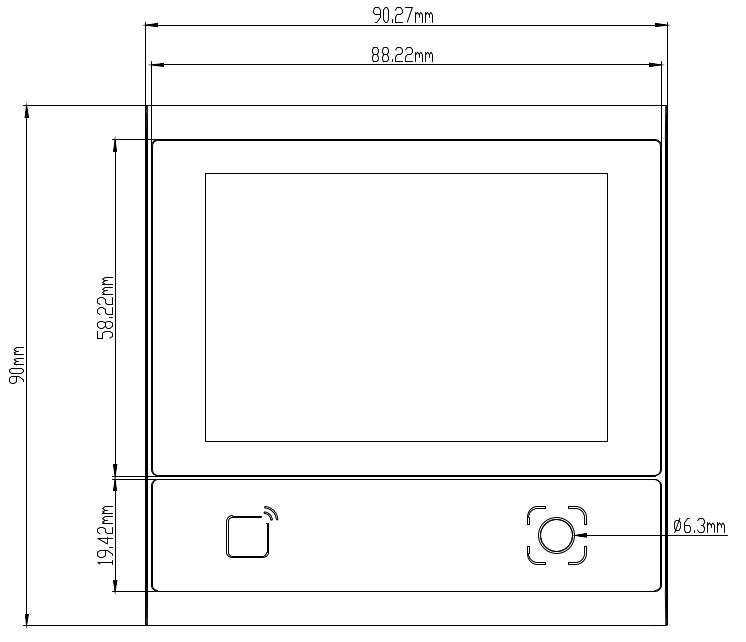
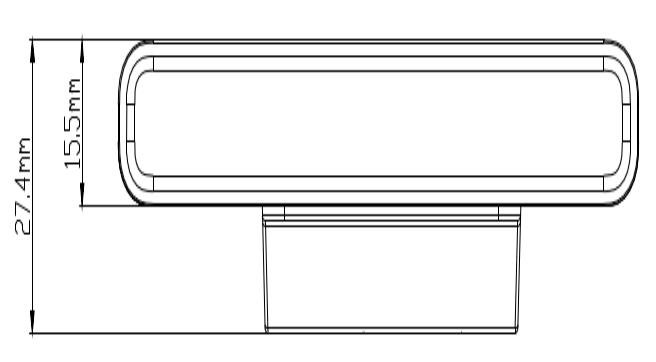
General: 485/Ethernet, door I/F with exit/relay/door-contact; 3.33-inch 320×480 IPS touch; BLE 5.1 (≤25m); speaker ≤71dB. Reading: QR/PDF417 and 1D, distance ~22.5–129mm, ~100ms; RF 13.56MHz, M1 ≤38mm. Electrical: DC 9–15V (12V typ), 293mA, 3.52W, relay 30V/1A. Environment: -20℃~60℃, 0–80000Lux (no direct sun). See Specs card.
Interface Definition
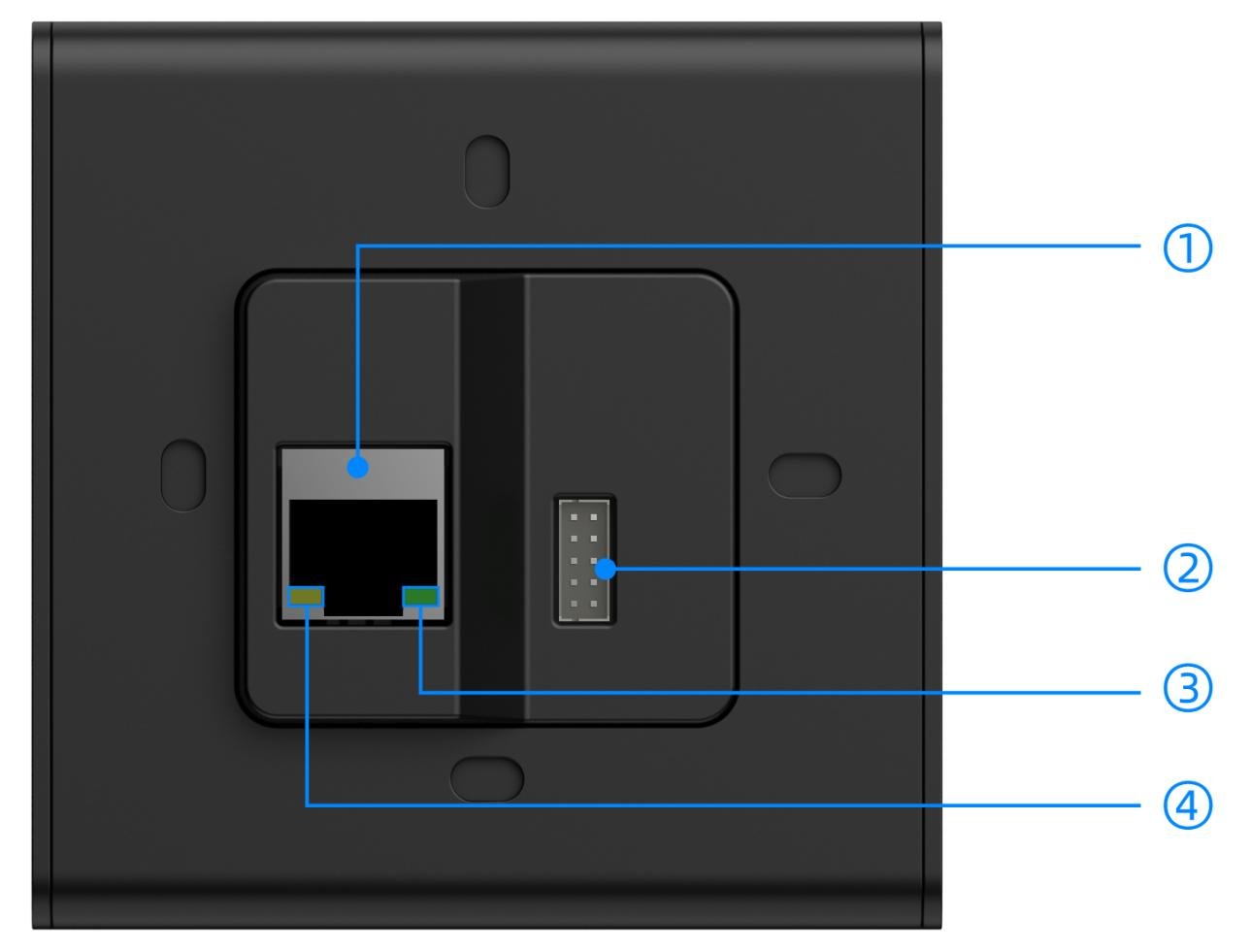
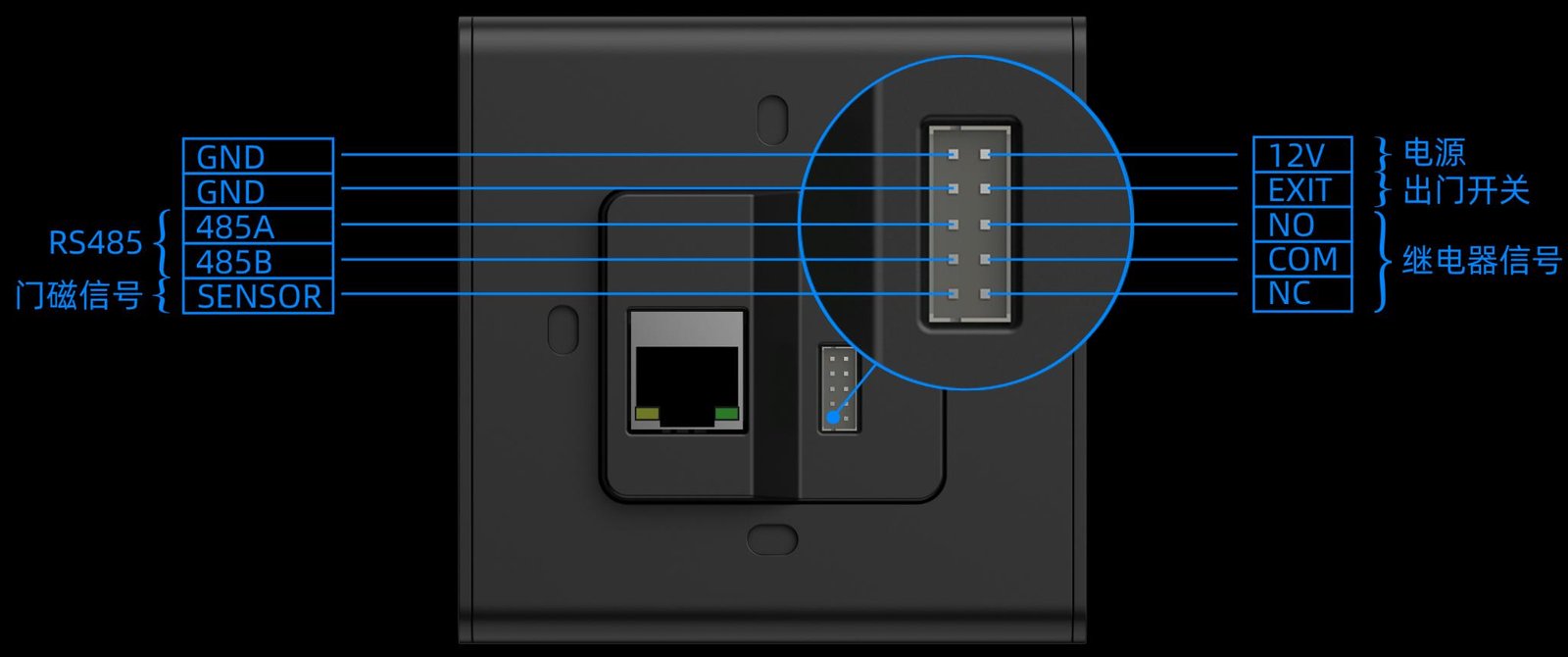
① 100M port; ② connector for power, lock, exit button; ③ green LED (10M); ④ yellow LED (100M).
Installation
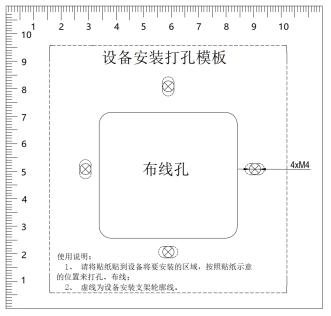
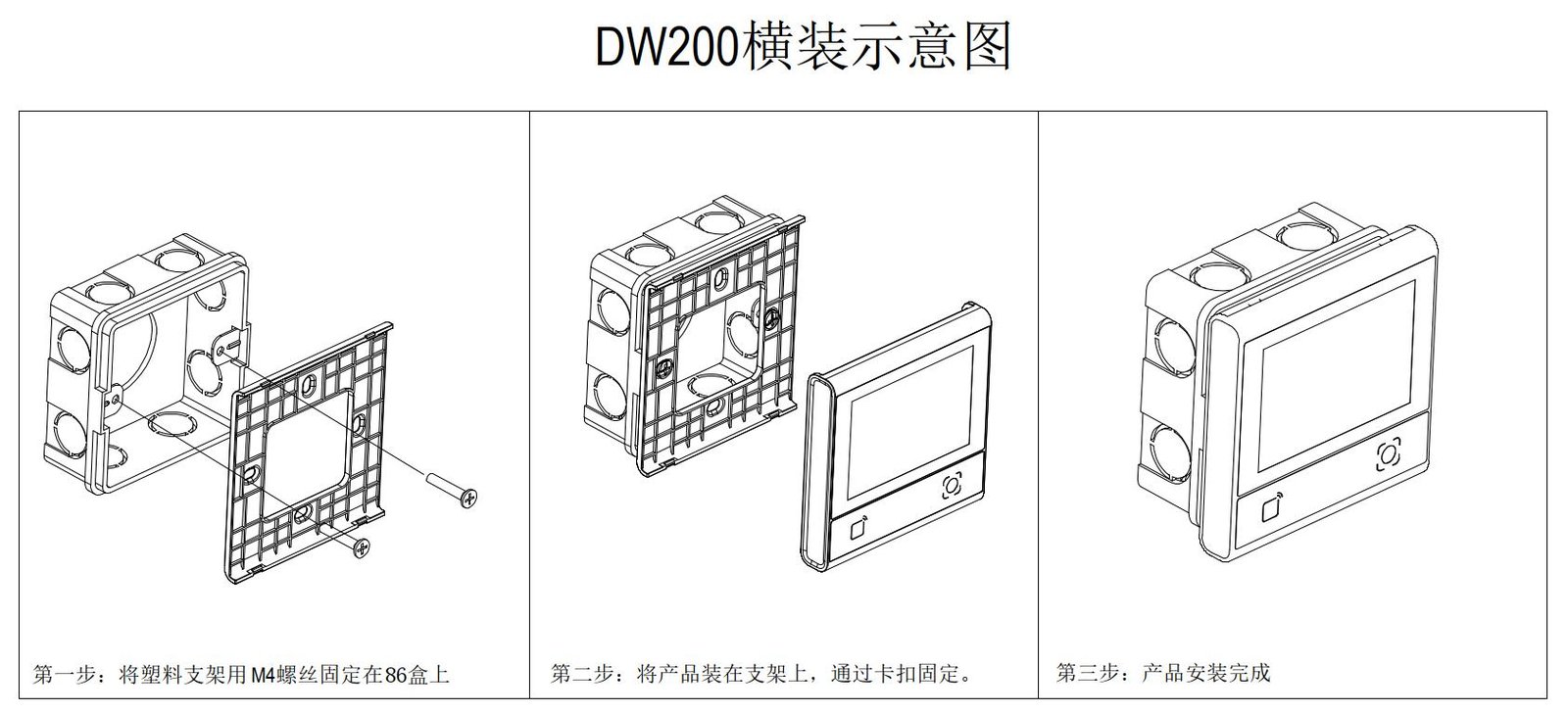
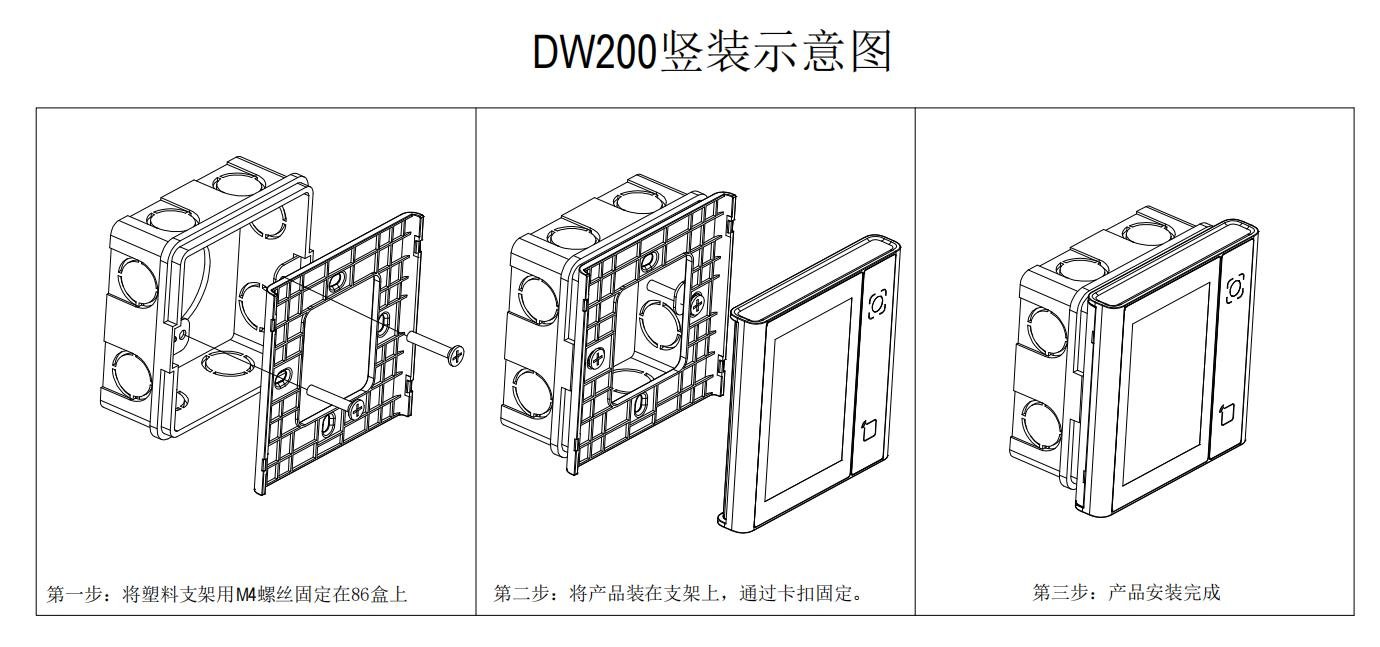
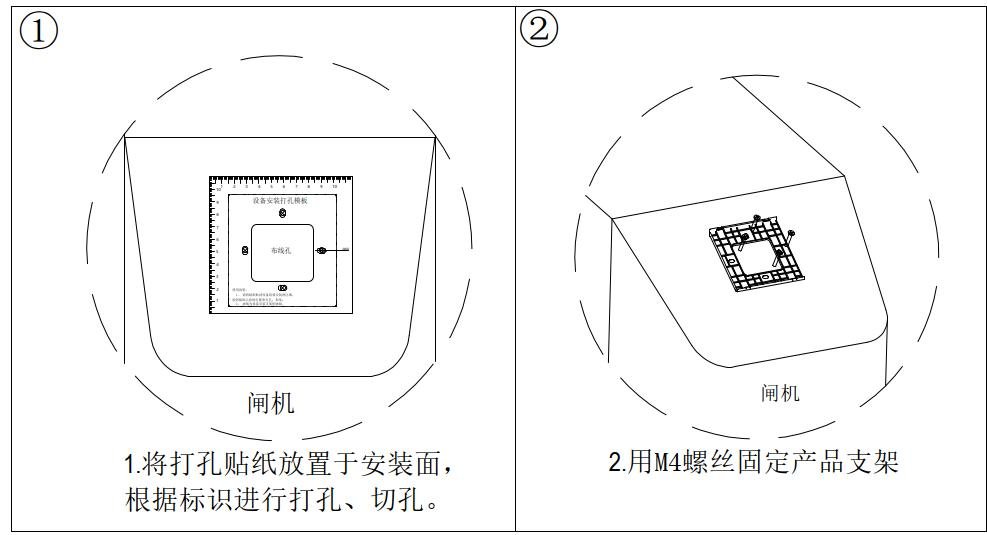
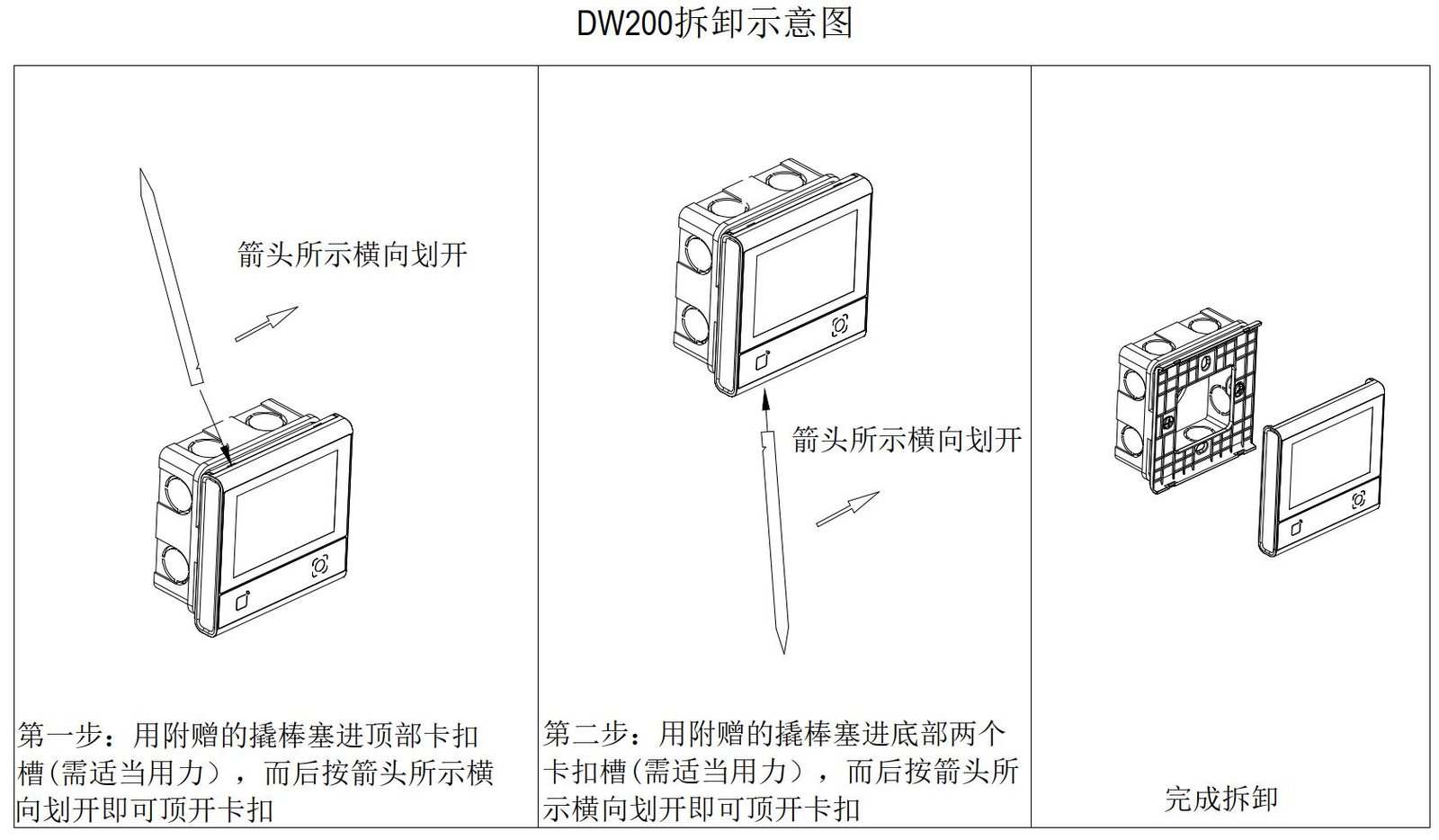
86-box: fix to the box. Non-86-box (turnstile, kiosk): drill then mount. Disassembly: never use a metal screwdriver; use the supplied plastic pry bar to avoid shell damage.
Avoid aiming the window at sun or strong lights; keep metal/magnets 10cm away from the RF antenna.
Usage Modes
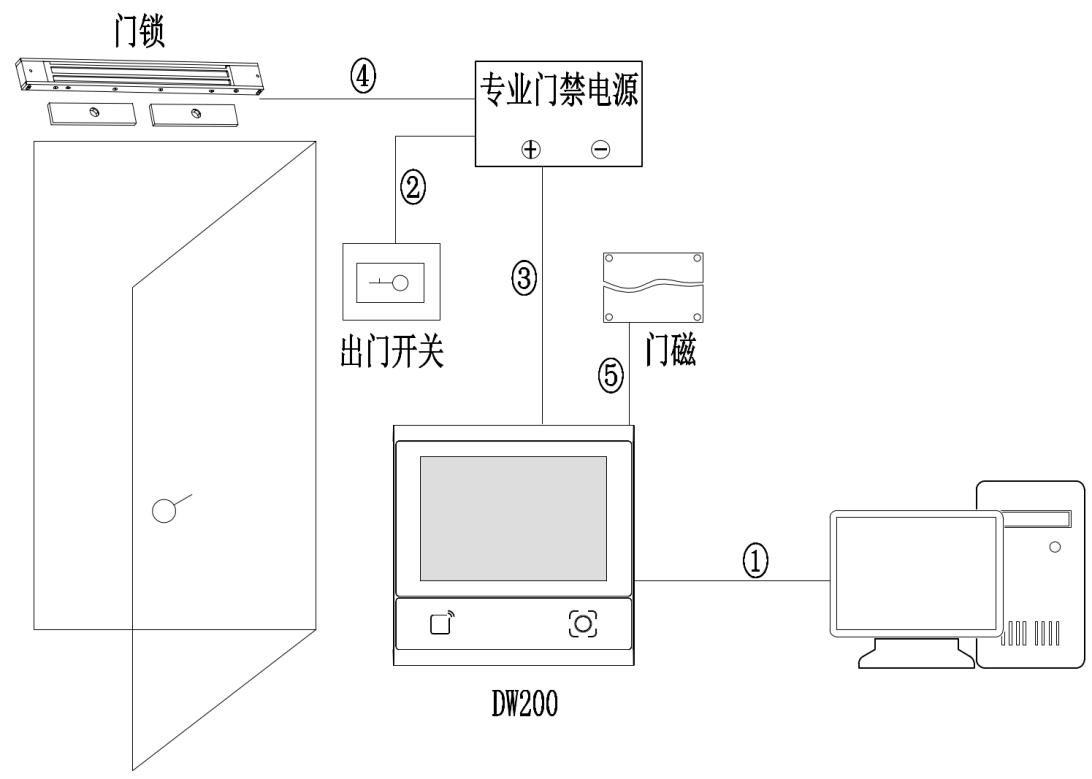
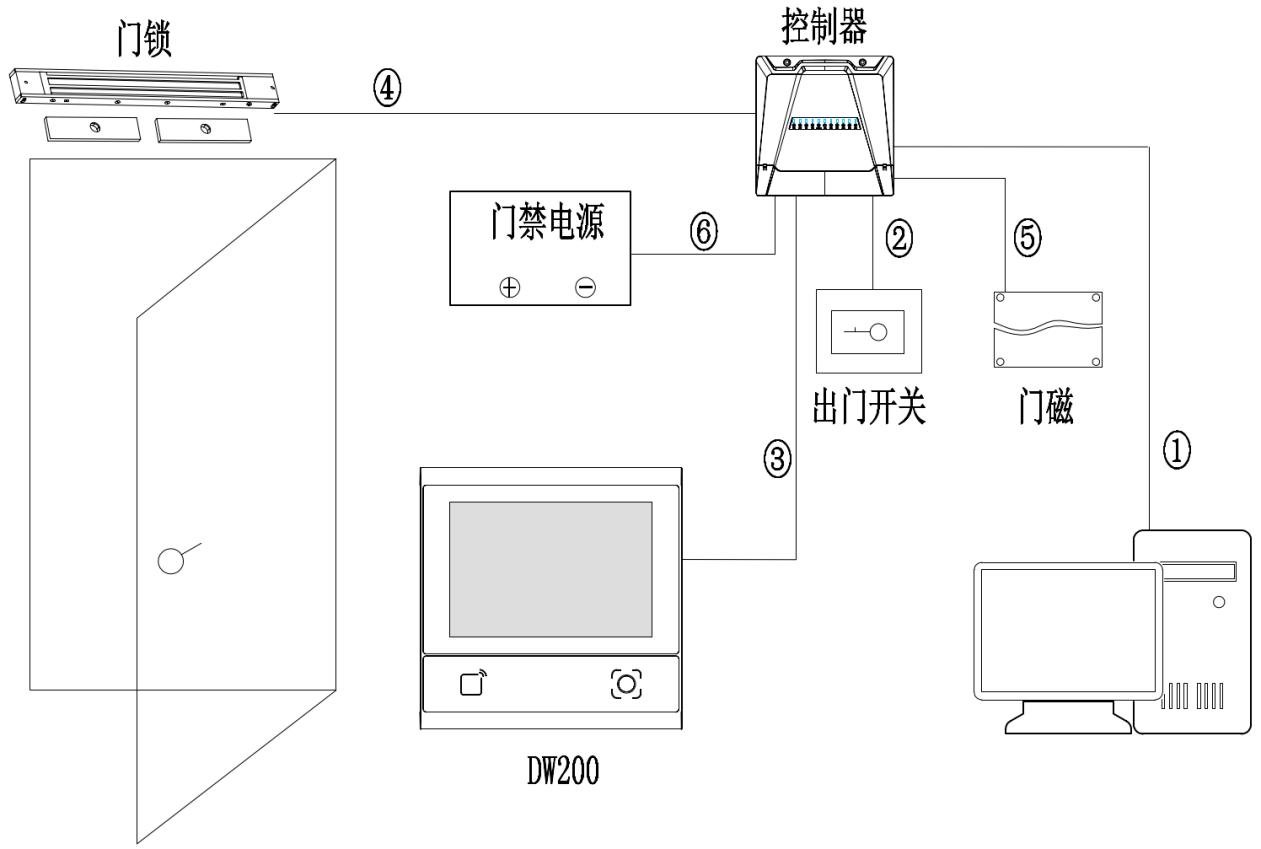
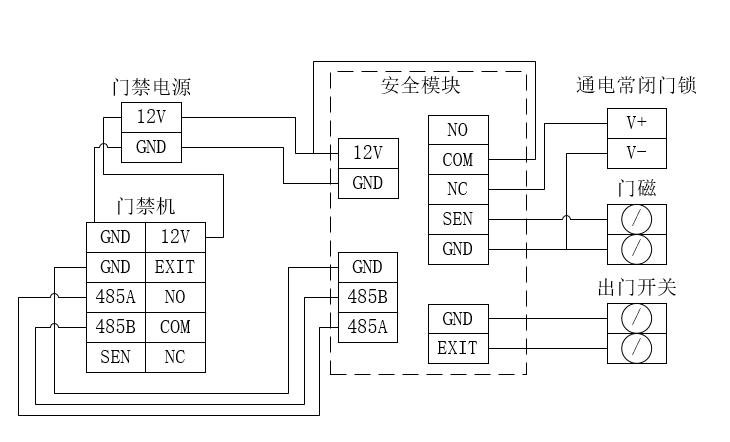
Standalone: local read and door output, no network. With controller: as a reader to third-party controllers for more doors/policies. With security module: stricter permission and alarm linkage. Cable: choose compliant network or RVV control cable by distance/interference.
Networking & Protocols
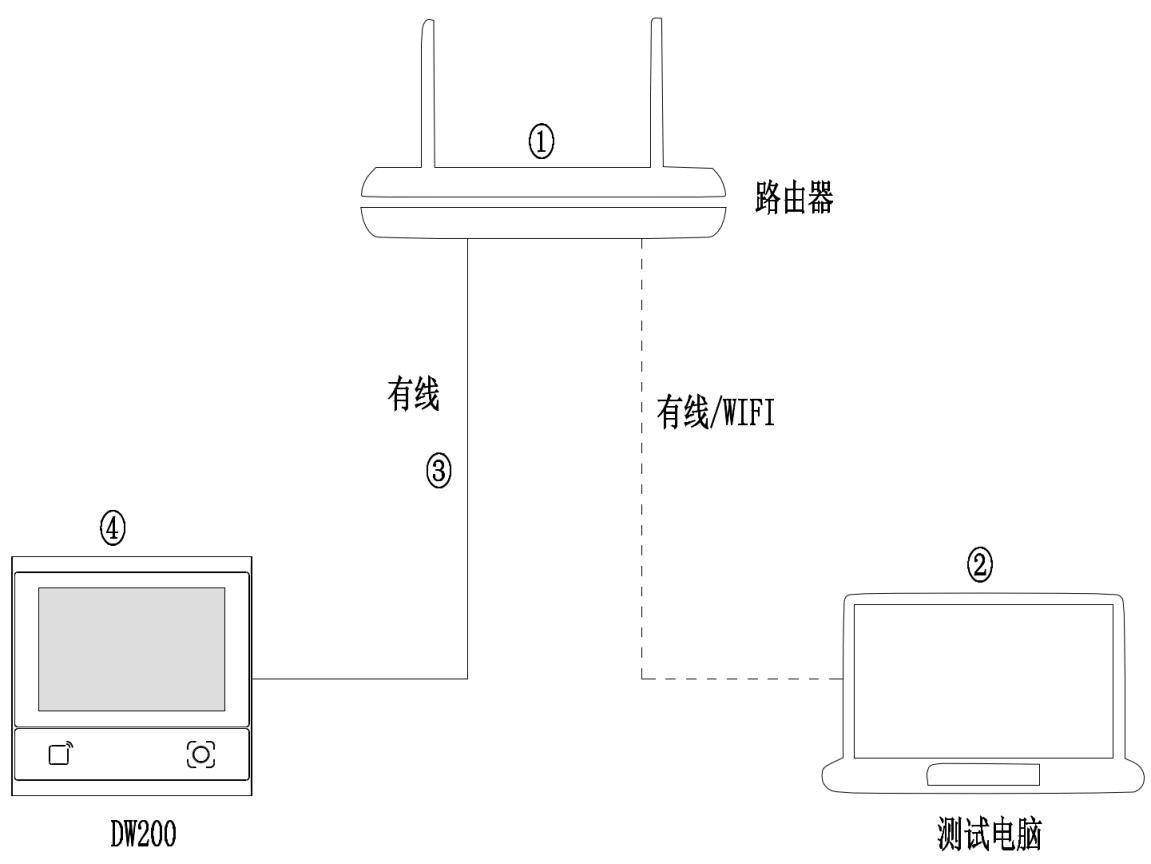
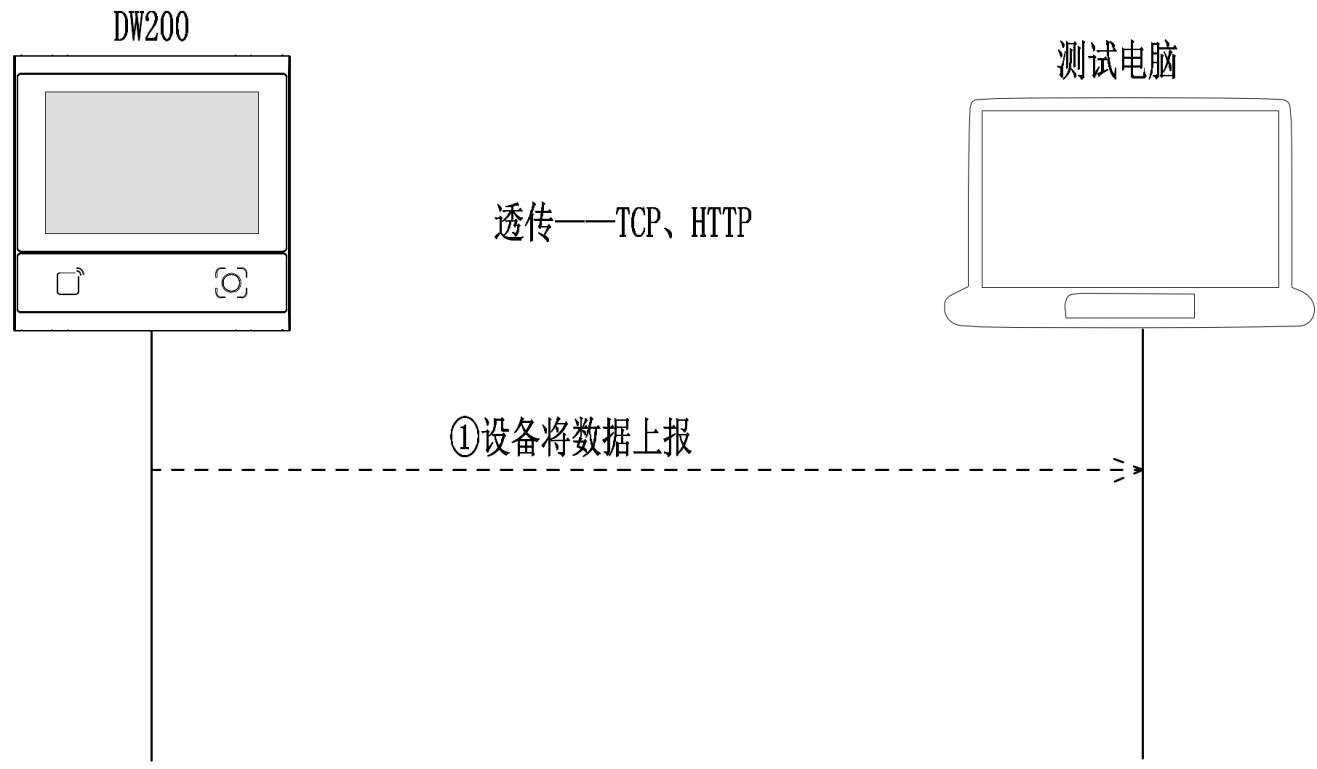
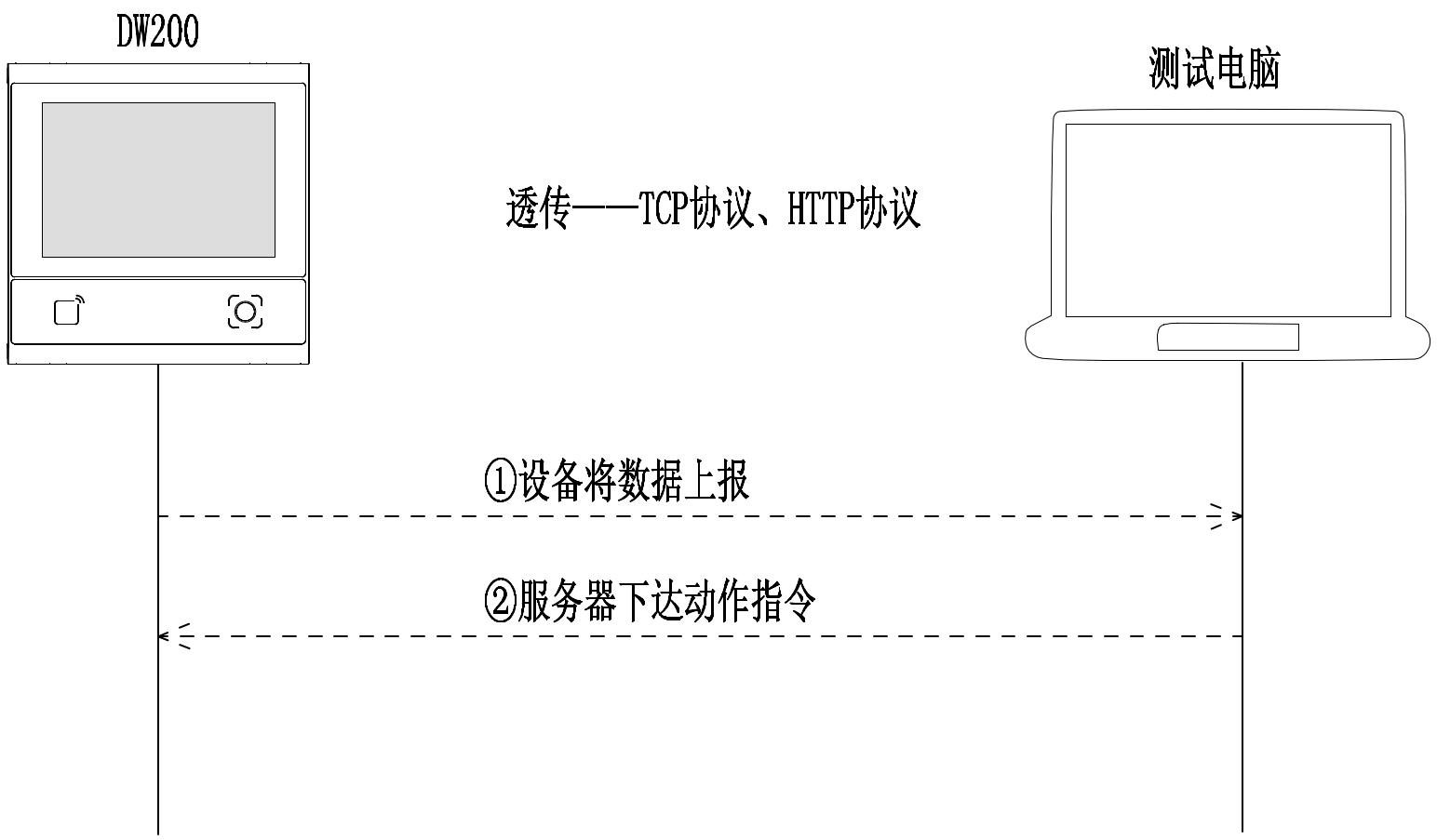
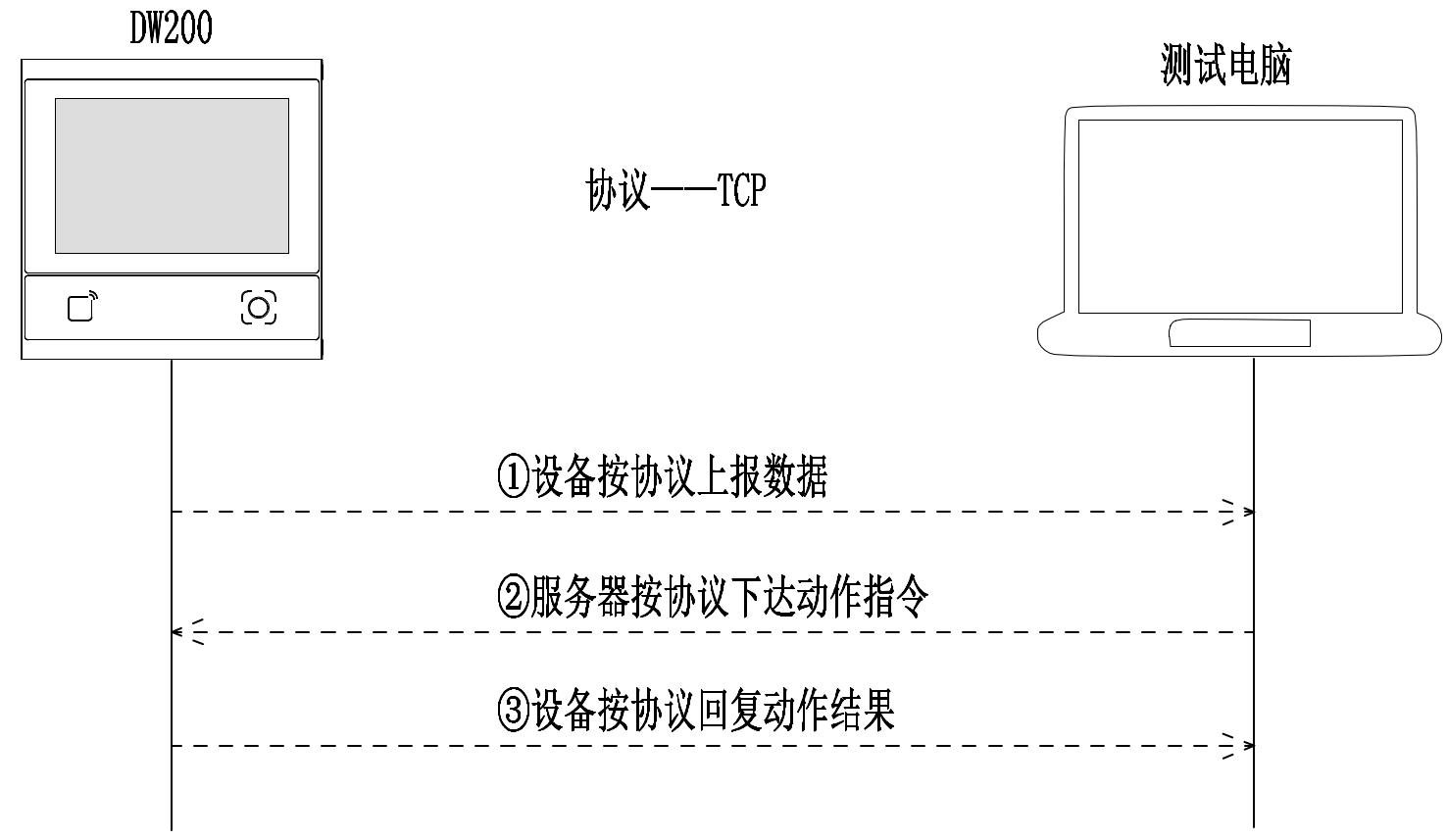
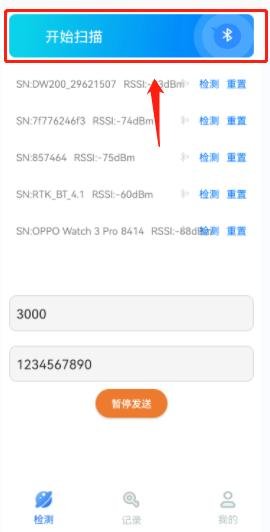
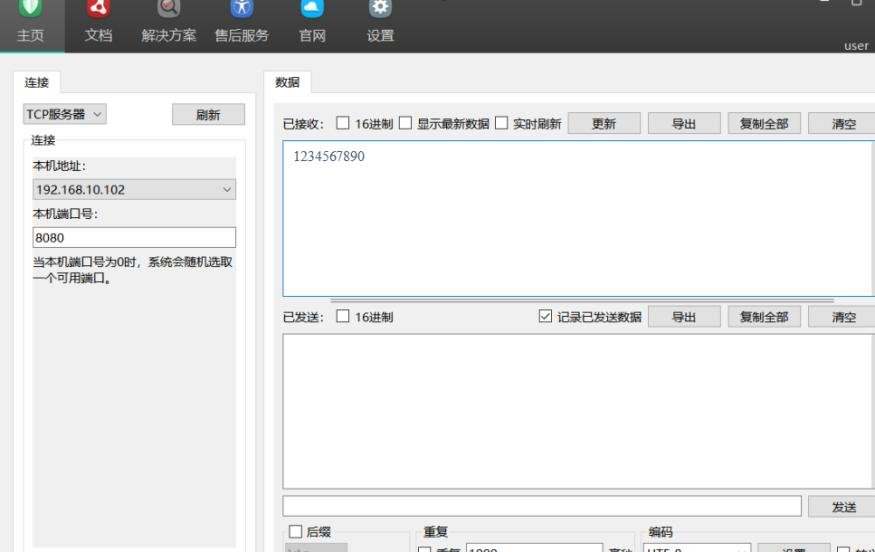
Networking: connect and configure IP (DHCP/static). Protocols: transparent (TCP/HTTP output) or protocol mode (TCP host verifies). Security-module mode for high security. Bluetooth for near-field config/debug (≤25m).



Installation Notes
Power only after wiring; hot-plug damages electronics. Wait 2s after power-off before re-power. Avoid strong light on the window; keep metal/magnets 10cm from RF antenna.
Video Tutorials
DW200 多功能一体机安装演示
Watch videoFAQ
Can the DW200 work standalone?
Yes. The device performs recognition and access output locally and runs normally without a network connection.
How do I connect to a third-party controller?
Connect it as a reader to the controller and output the recognition result via 485 / Ethernet; the controller then executes the access policy.
What is Bluetooth for?
BLE 5.1 is used for near-field configuration and debugging; in open environments its communication range reaches about 25 meters.